The Best 3 Figma plugins for working with text easy and fast
We will tell you how to speed up the work with the text in the Figure already in this article.
Introduction
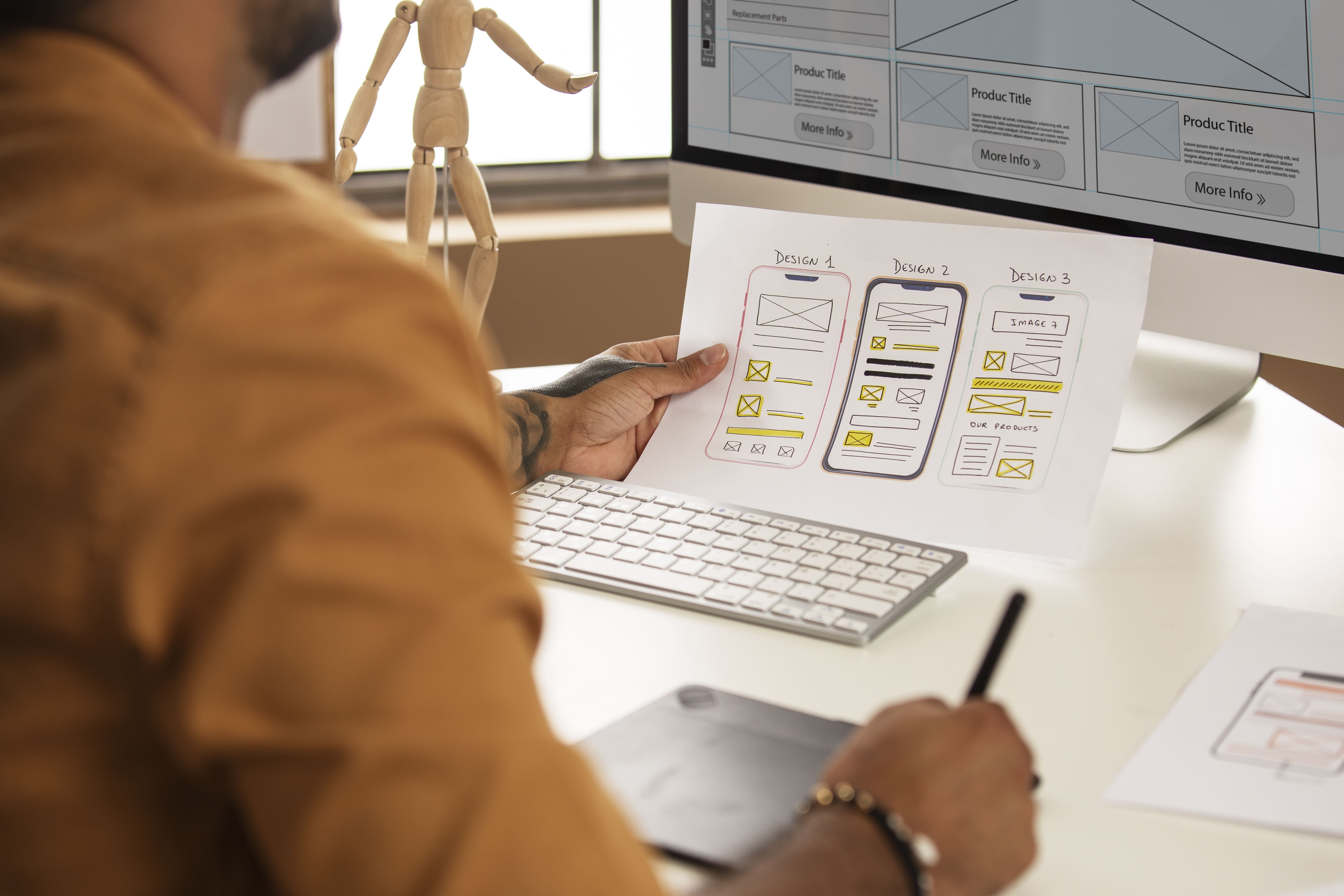
Plugins in Figma are utilized to enhance the platform's functionality and cater to specific design needs. They serve as additional tools that expand Figma's capabilities, allowing users to streamline workflows, access external resources, automate tasks, and optimize design processes. Essentially, plugins offer extended features and integrations that empower designers to work more efficiently, collaborate seamlessly, and achieve enhanced creative outcomes within the Figma environment.
Stark
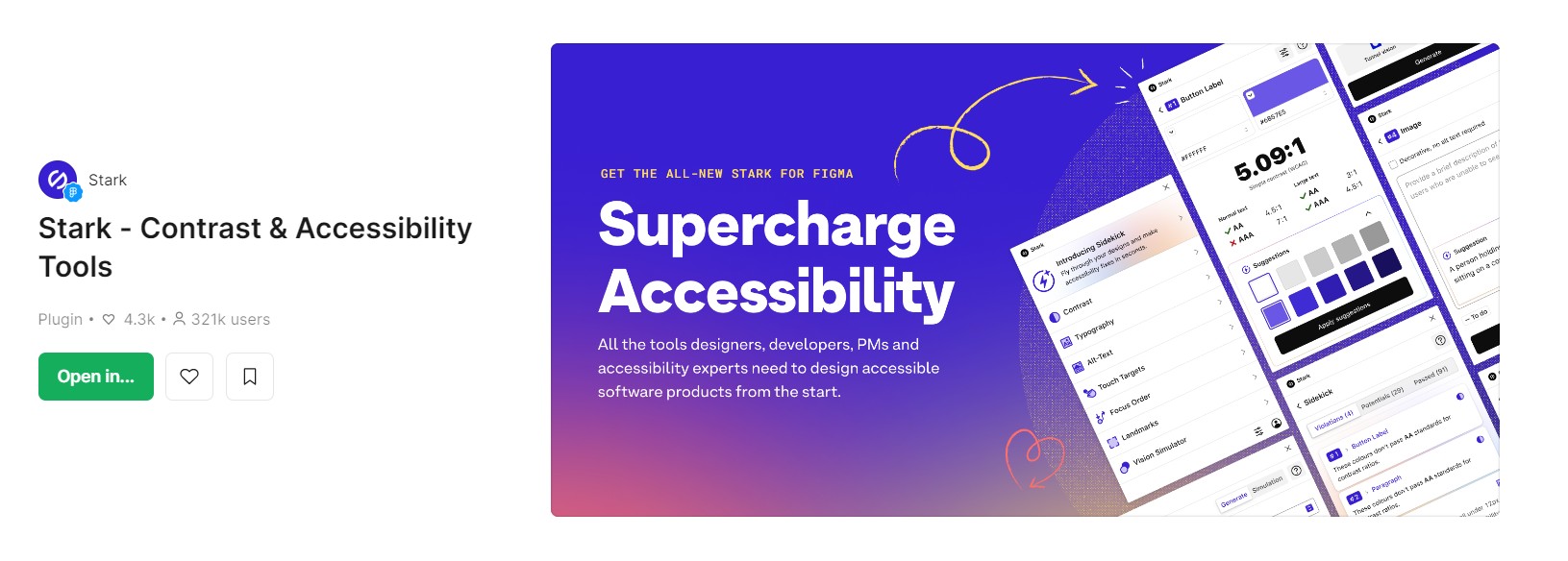
For designers focused on accessibility and inclusive design, the Stark plugin is an essential tool. It offers features for testing color contrast, colorblind simulations, and other accessibility considerations. This ensures that text elements within designs are legible and comprehensible for all users, aligning with best practices for UX and UI design.
Key Features: - Contrast Checker with Color Suggestions Easily check contrast ratios and receive color suggestions to ensure your design meets AA or AAA requirements for accessibility. - Vision Simulator Experience how your design may appear to individuals with diverse vision needs, including various forms of color blindness and blurred vision. - Vision Generator Generate simulations alongside your existing design to foster a better understanding of how individuals with different vision types might perceive it. - Landmarks and Focus Order Incorporate easy navigation features with Landmarks and Focus Order, ensuring seamless interaction with screen readers and other assistive technologies. - Alt-Text Annotations Receive actionable suggestions for optimizing alt text, catering to screen reader users and even bolstering SEO ranking with search engines. - Typography Analysis Examine the typography in your design to ensure legibility and readability for individuals with diverse vision requirements. - Touch Targets Confirm that touch targets in your mobile design and code are sufficiently large for everyone to complete tasks with ease.Sidekick enhances the accessibility of your designs, making it a must-have tool for the conscientious designer.
Style Transfer
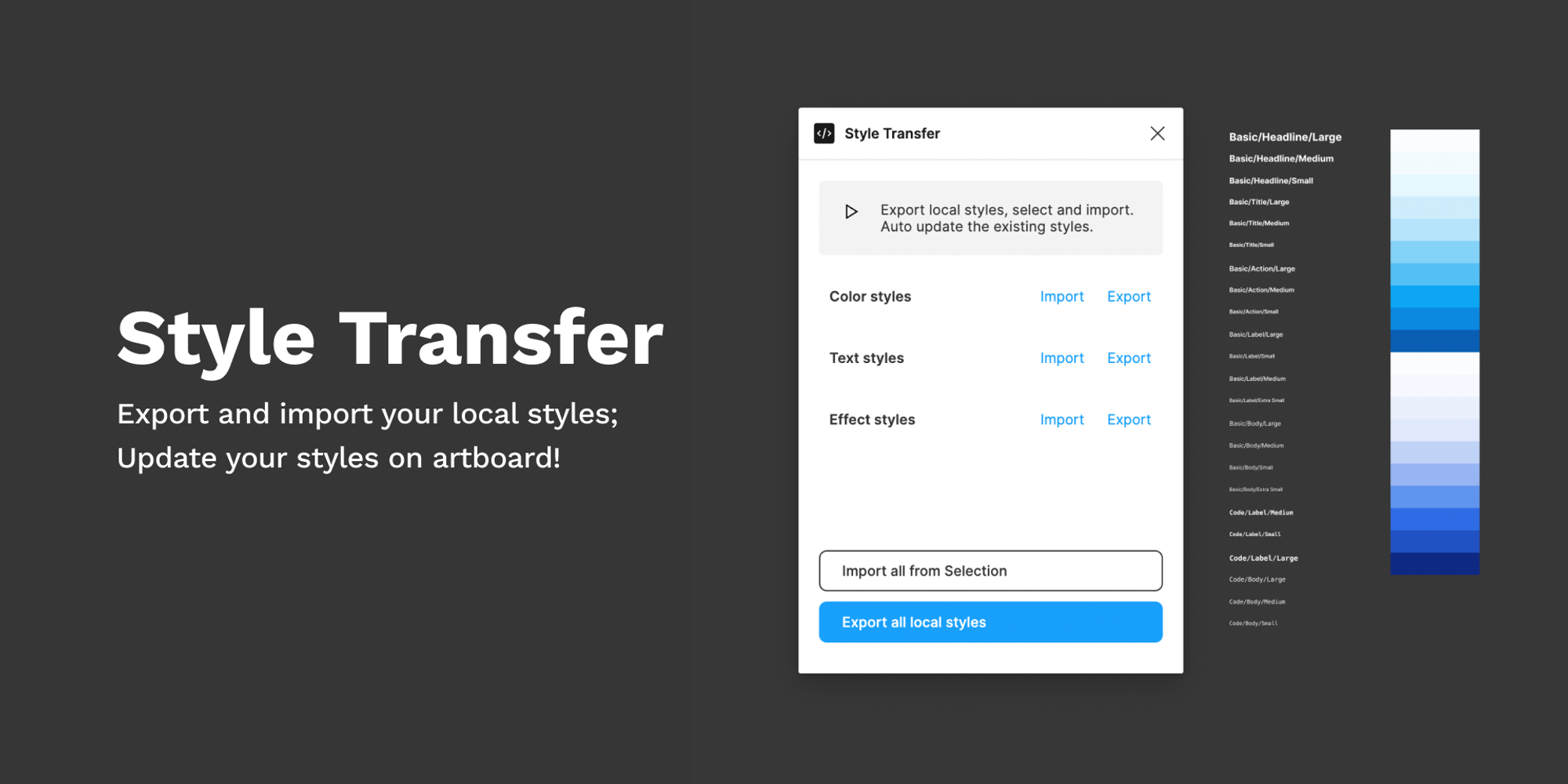
Style Transfer enables designers to apply text styles from one text layer to another with a single click. This can be a huge time-saver when working on projects with consistent typographic systems or when aligning new text with existing styles within a design. By streamlining the process of maintaining consistent text styles, this plugin contributes to efficient and cohesive design outcomes.
- Export local styles To effectively manage your local styles, you can perform various actions such as exporting local styles, which includes options for exporting all styles, color styles, text styles, and effect styles. This feature allows you to capture the unique characteristics and properties of these styles, making it easier to share or transfer them to other projects or team members. By exporting these styles, you can create a comprehensive record of your design choices, enabling consistency and efficiency across your design workflow. - Import to local style from selection On the other hand, importing local styles from a selection empowers you to integrate predefined styles into your current project. This process enables you to leverage existing styles from other sources or team members, ensuring cohesive design standards and fostering collaboration within your design team. Whether it's all styles, color styles, text styles, or effect styles, the import function simplifies the process of incorporating established design elements into your ongoing projects seamlessly. - Update your local styles quickly by adjusting the export contents Moreover, the capability to swiftly update or import your local styles by adjusting the export contents provides a practical and efficient approach to style management. By utilizing this feature, you can seamlessly revise and refine the contents of your local styles, ensuring that they accurately reflect your design requirements and preferences. This dynamic functionality enables you to adapt and evolve your design system with ease, empowering you to maintain a consistent and polished visual identity across all your design projects.
Lorem Ipsum
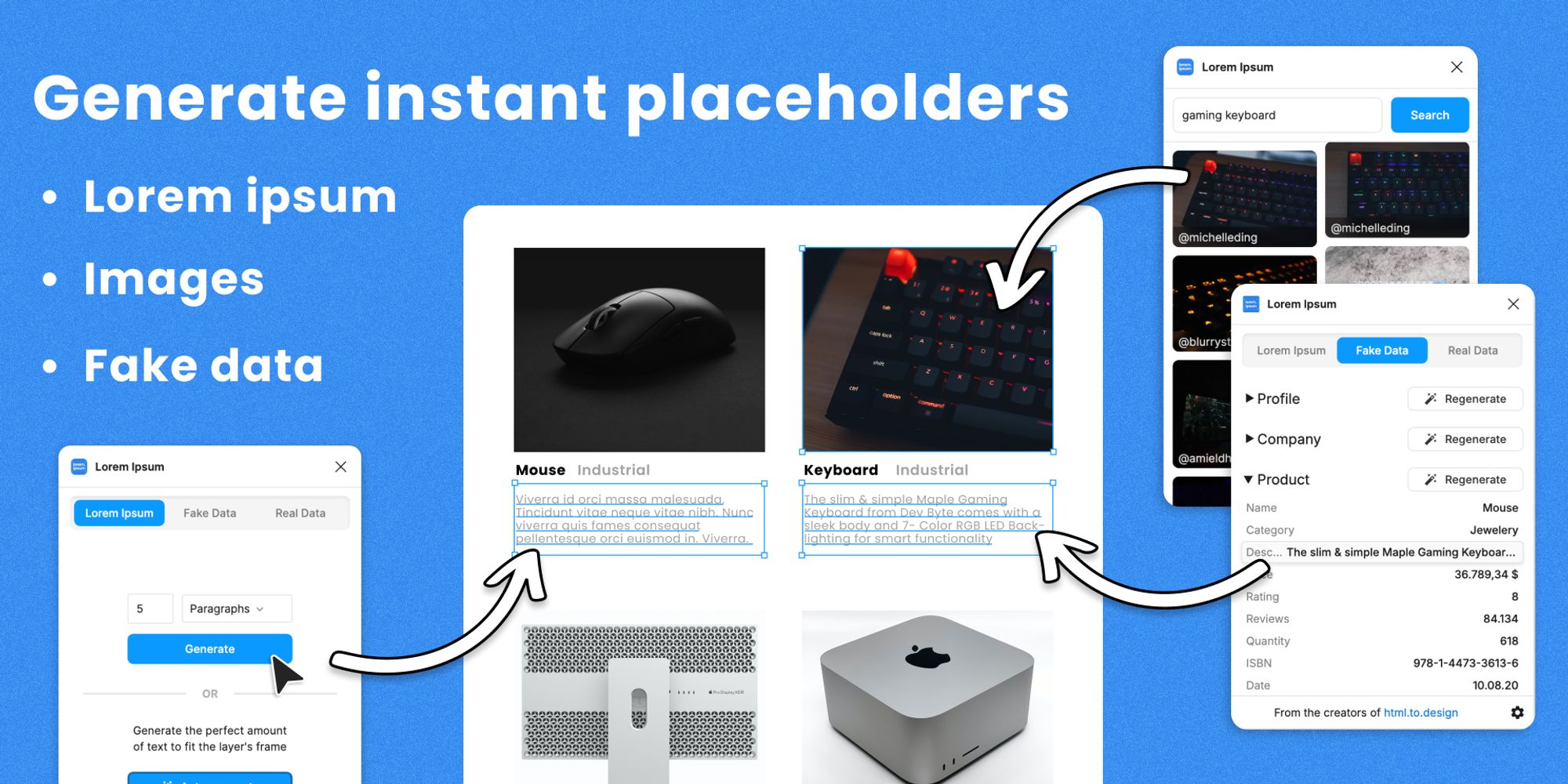
The Lorem Ipsum plugin generates placeholder text directly within Figma, allowing designers to quickly populate text frames with dummy content. This feature is particularly valuable when structuring and visualizing designs before the final text content is available. It saves time and effort by eliminating the need to manually input placeholder text, enabling a more seamless design process.
- Automatically fill layers with "Lorem ipsum" to fit existing frames The "Auto-generate" feature will automatically fill the selected layers with the perfect amount of "Lorem ipsum" to fit their existing frame, streamlining the design process. - Fill shapes with Unsplash images Explore thousands of images in the Unsplash archives and effortlessly apply them to any shape or fill, allowing for versatile and visually engaging designs. - Enhance designs with fake data Populate text and image layers with fake data to create more realistic designs. Simulate personal profiles, replicate e-commerce sites, and take placeholders to the next level with this innovative feature.

Conclusion
In conclusion, Figma's extensive collection of plugins enhances its capability as a versatile design platform. When it comes to working with text, these plugins significantly augment the typographic potential of Figma, empowering designers to create compelling and impactful textual content within their designs. By leveraging these plugins, designers can streamline their workflows, improve collaboration, and ultimately deliver more polished and effective design solutions.