Figma plugins for images
Discover the best Figma plugins for working with images that will simplify your design process and make your visuals shine. These plugins help you easily edit, resize, remove backgrounds, and organize your assets, making it faster to create stunning, high-quality images. Whether you’re fine-tuning a design or improving user experiences, these Figma plugins streamline your workflow, giving you more time to create beautiful, polished designs effortlessly.
21 Figma plugin for working with images
Plugins for working with images will help generate the necessary image on request, insert large images into Figma and compress them without loss of quality, remove backgrounds and unnecessary space, slice images into parts, find, collect, and organize all images in one place.
You will be able to edit images, apply filters and effects directly in Figma. Additionally, you can recognize text from images, convert raster images to vector, and create beautiful mood boards in one click.
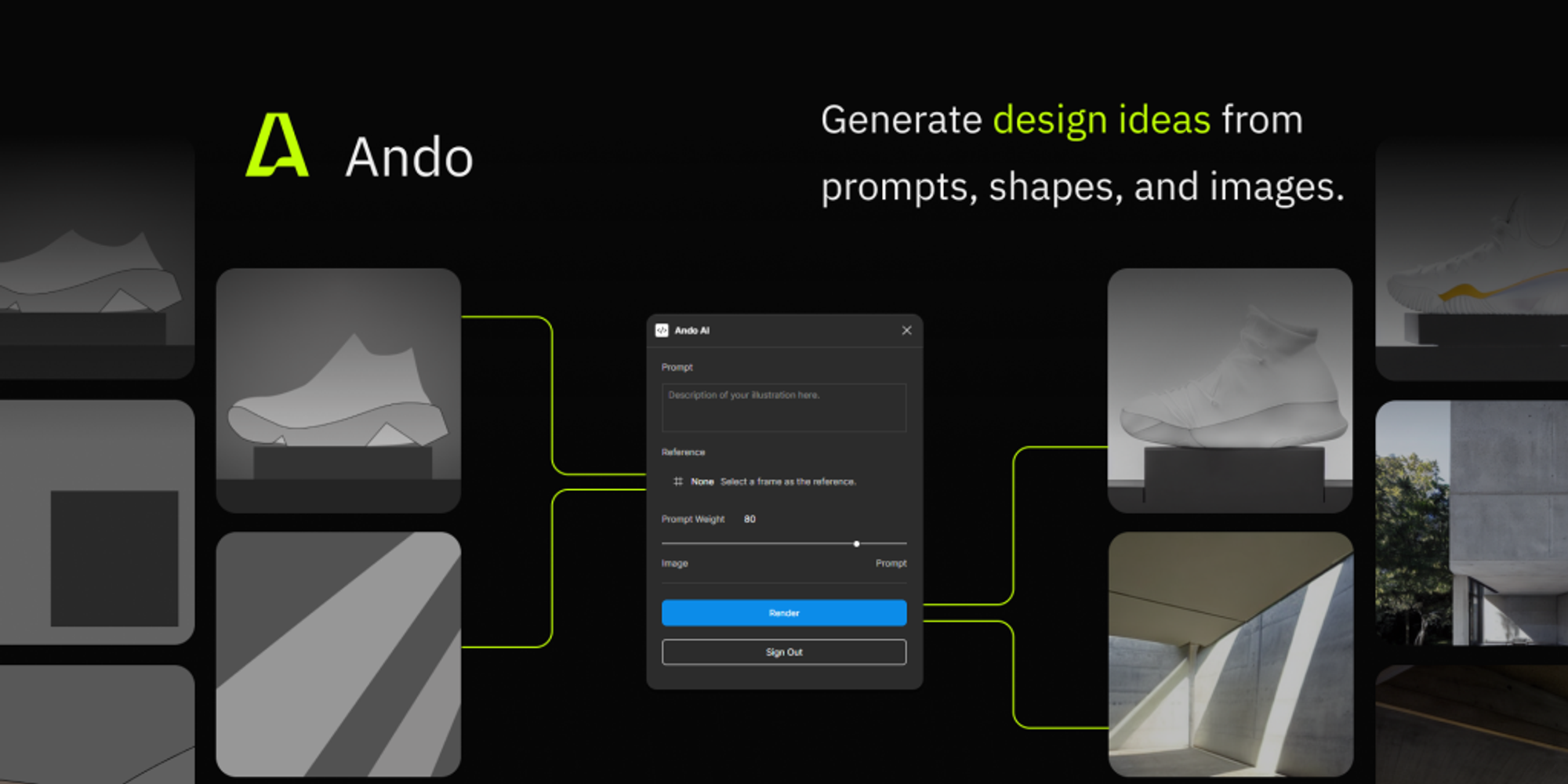
Ando generates images based on AI from a text request in English or a reference image.
Insert Big Image
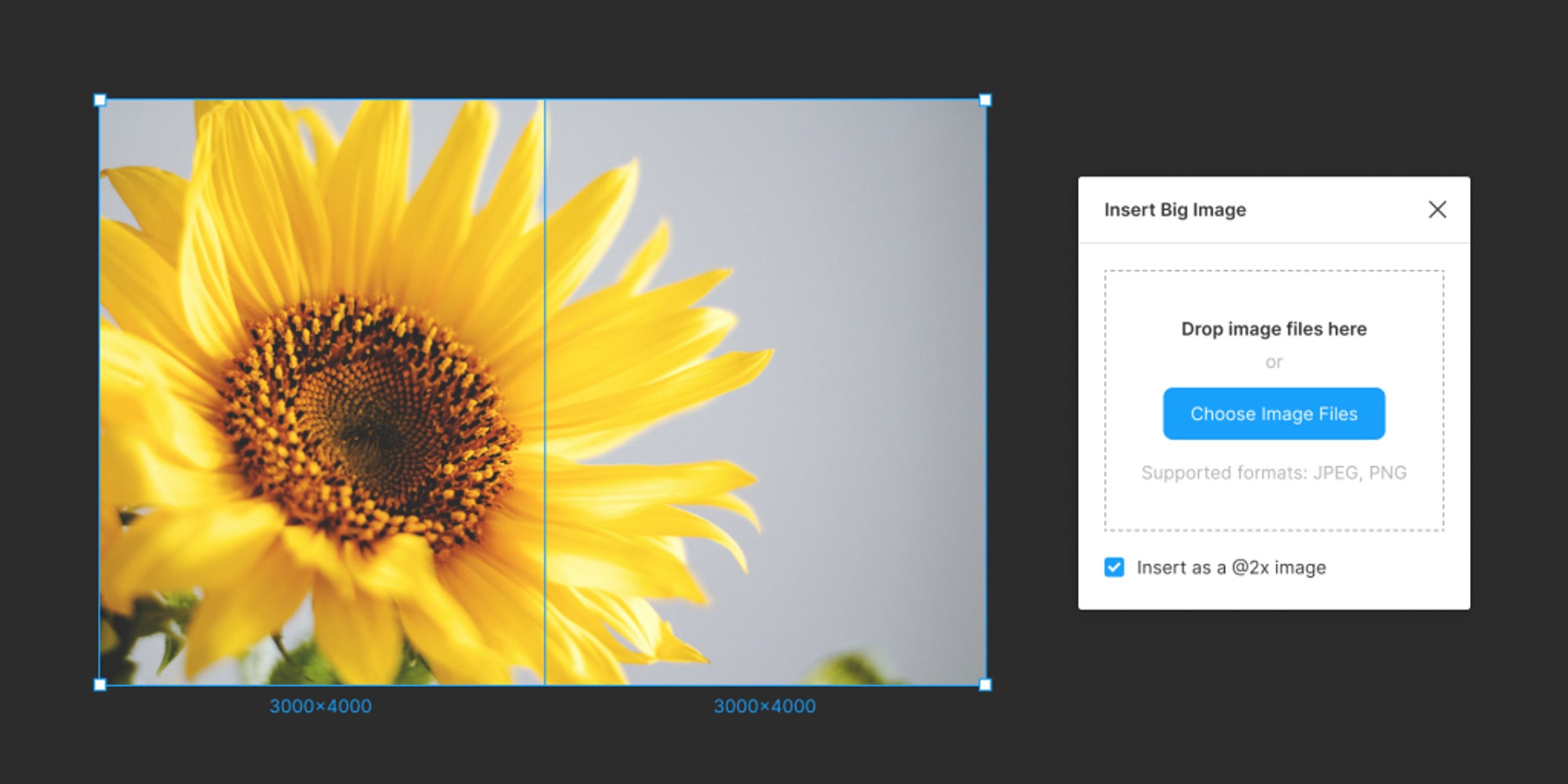
The Insert Big Image Figma plugin lets you easily add large, high-quality images to your designs without compression loss. Perfect for designers working on detailed projects, it simplifies the process of inserting and scaling big visuals with precision and clarity.
Downsize
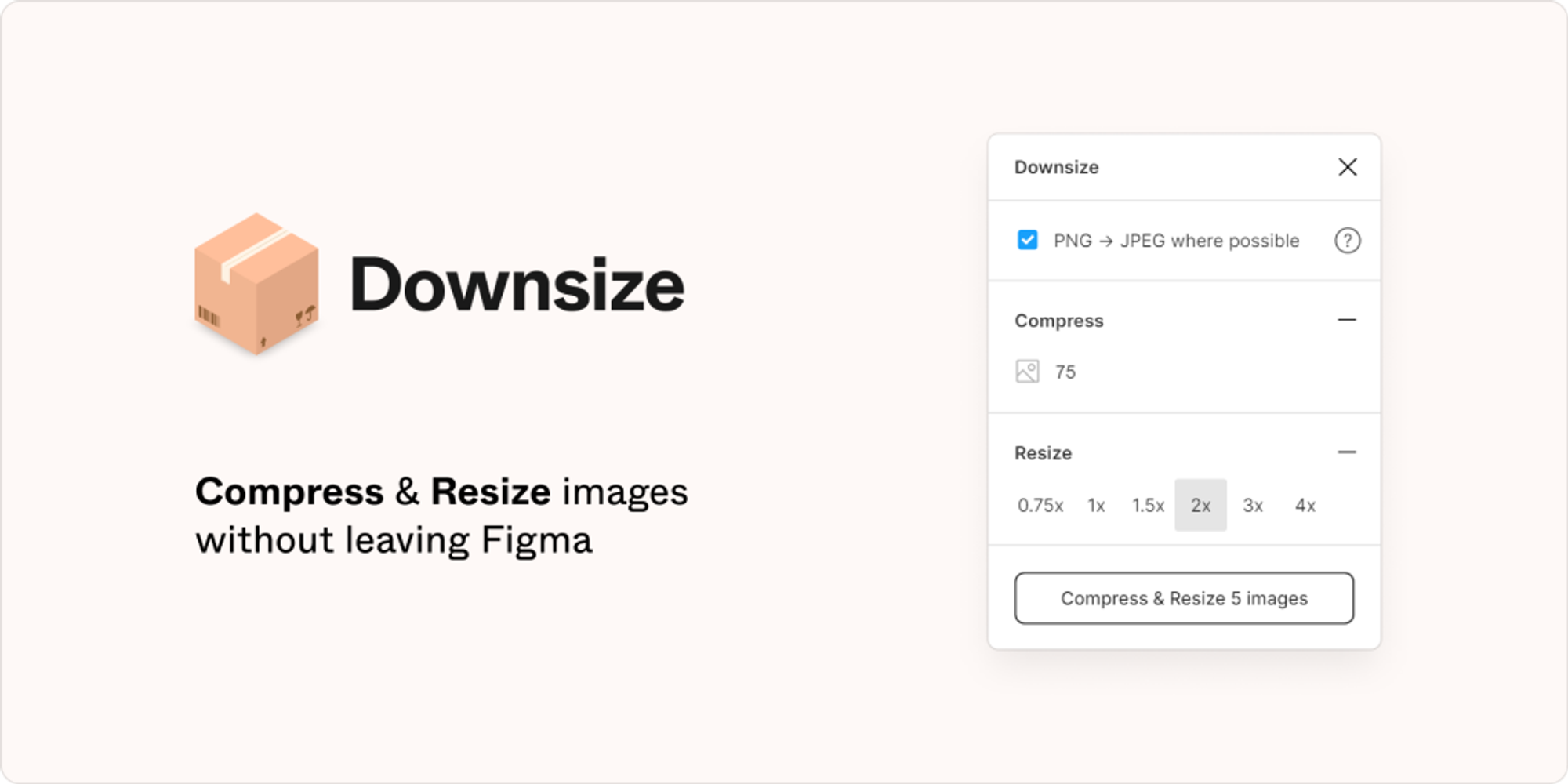
Downsize compresses and resizes images to make files load faster and take up less memory in Figma.
TinyCanvas
TinyCanvas automatically compresses images right in Figma app with just one click using the TinyPNG API.
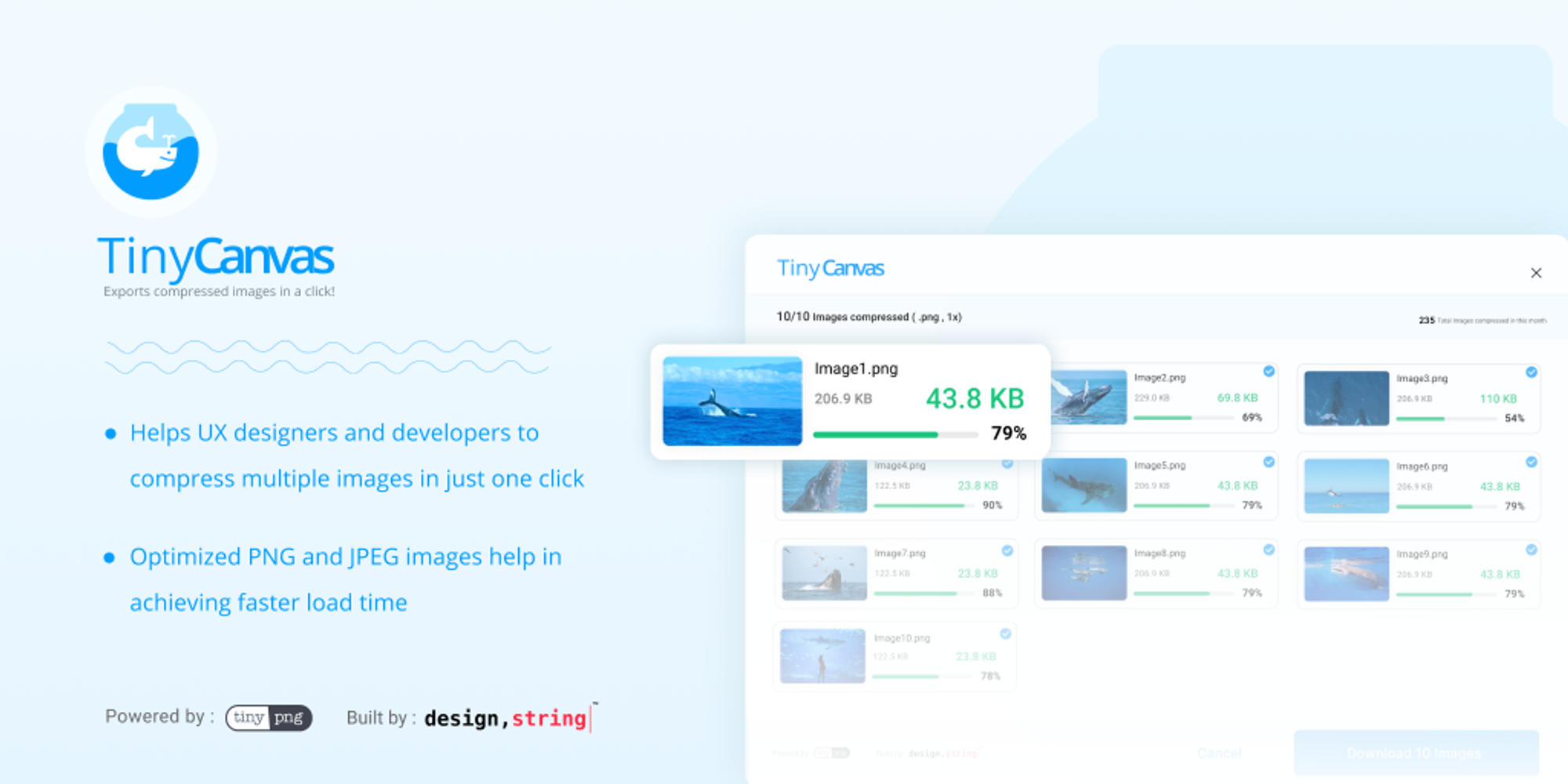
TinyImage JPG/PNG Compressor
TinyImage compresses images exported from Figma by up to 90% without losing quality and packs them into an archive.
Icons8 Background Remover
Icons8 Background Remover for Figma is a powerful plugin that easily removes backgrounds from images in seconds. Perfect for designers, it enhances workflow by providing clean, transparent images without leaving Figma, saving time and effort on image editing.
AI PixCut remove background
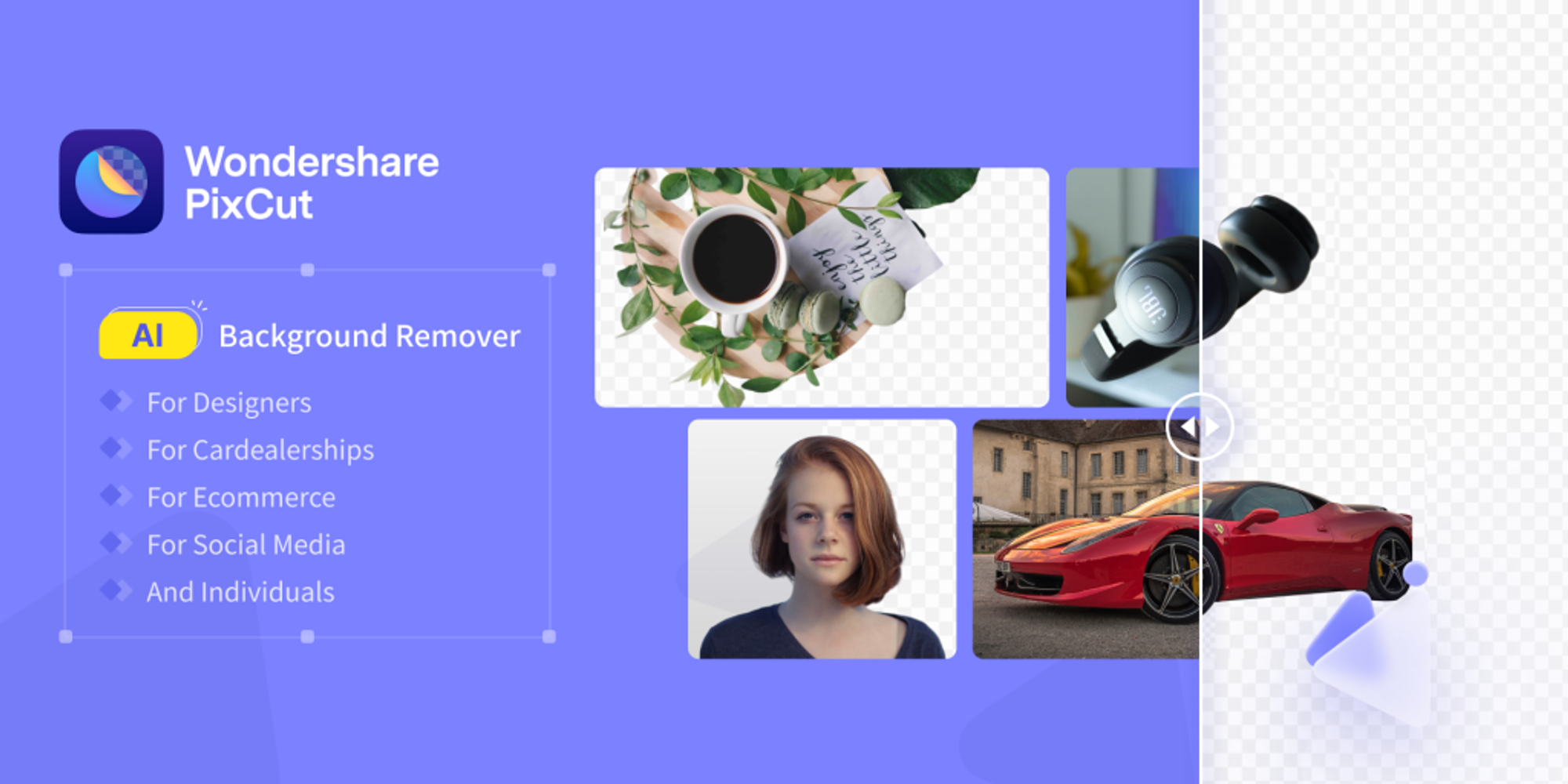
AI PixCut is a fast, intuitive tool for removing image backgrounds in seconds. Perfect for creators, e-commerce, and marketing, it delivers clean, high-quality cutouts with AI precision. Easily upload, edit, and download—make your visuals stand out effortlessly!
Autocrop
Autocrop automatically trims excess space from the image.
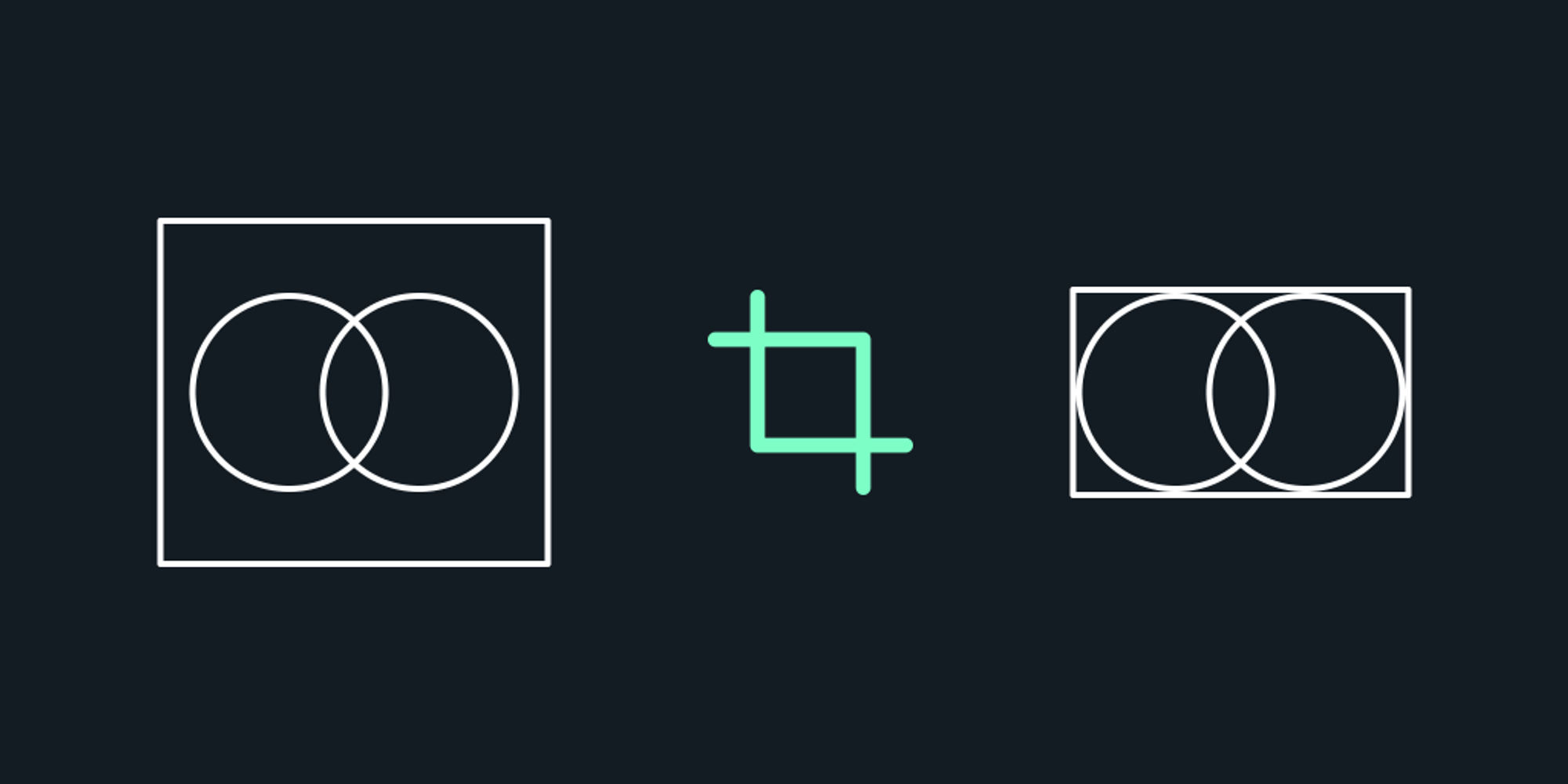
Image Cutter
Image Cutter slices any image into parts.
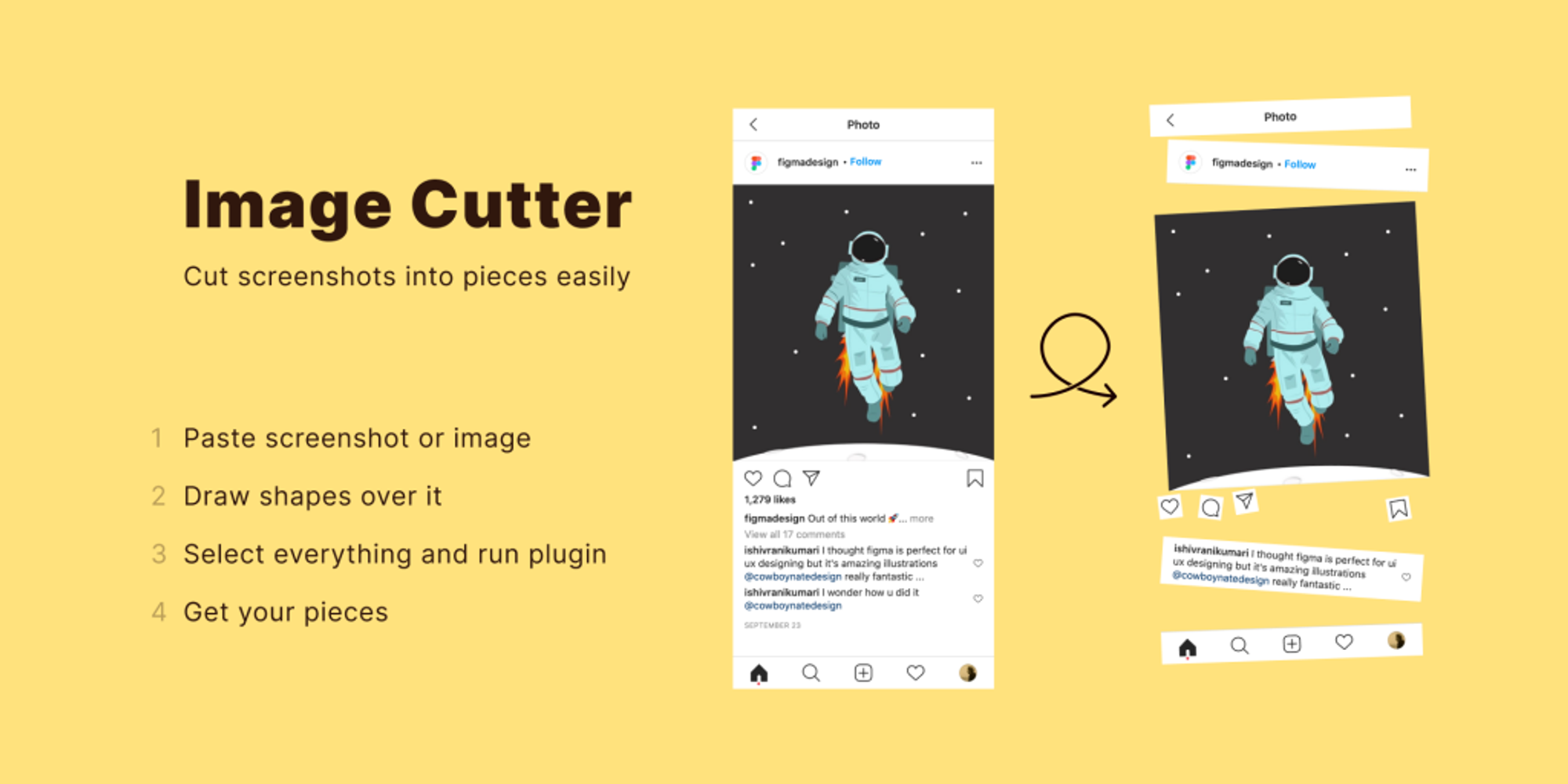
Image Grid
Image Grid is a Figma plugin that quickly arranges images into customizable grids. Perfect for designers needing organized images, it offers adjustable spacing, padding, and grid style options to create visually appealing, structured image compositions.
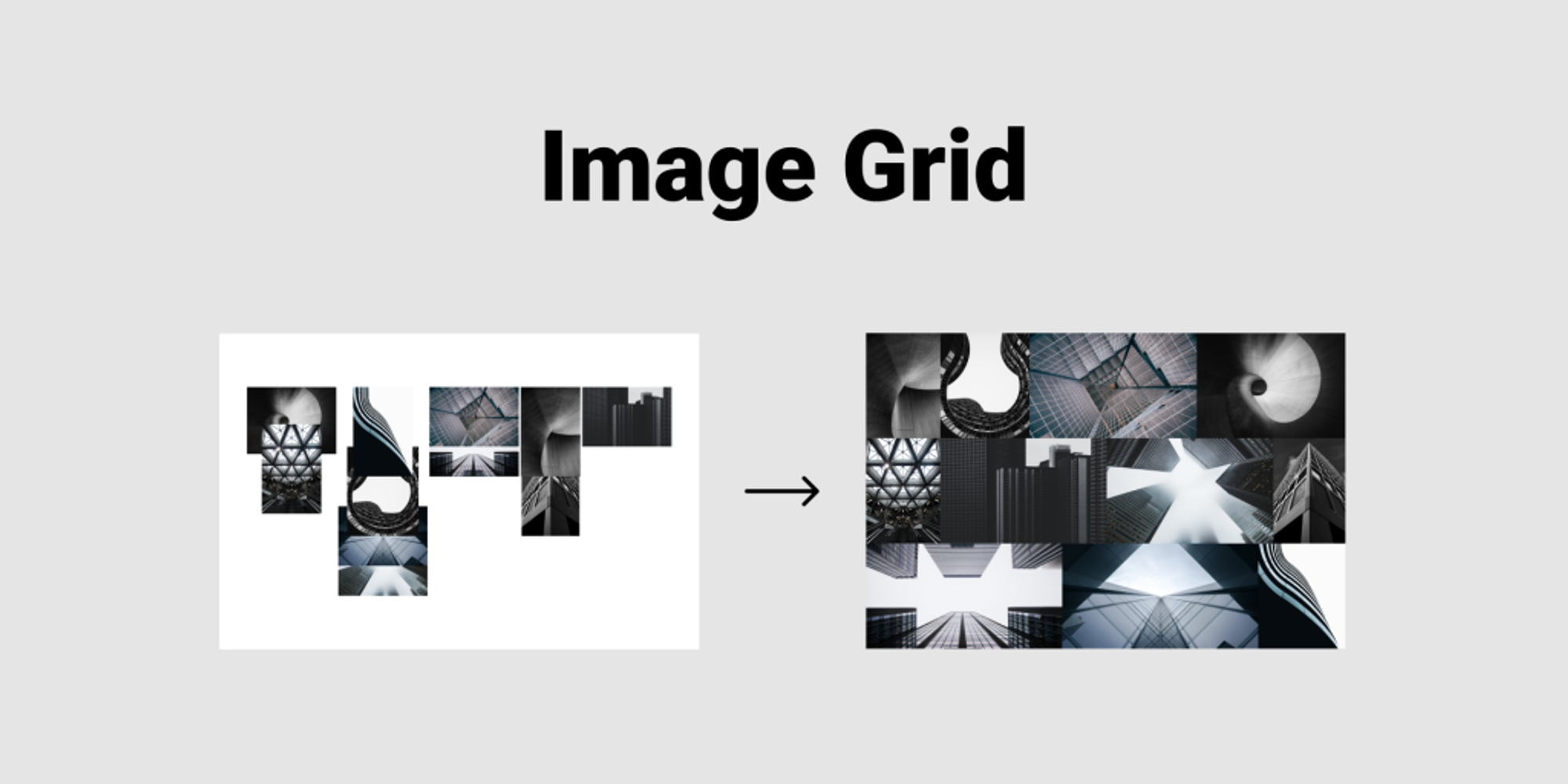
Image Extractor
Image Extractor for Figma is a handy plugin that lets you quickly export images from your Figma designs. Perfect for designers needing fast access to high-quality assets, this plugin simplifies the extraction process and helps streamline image management in projects.
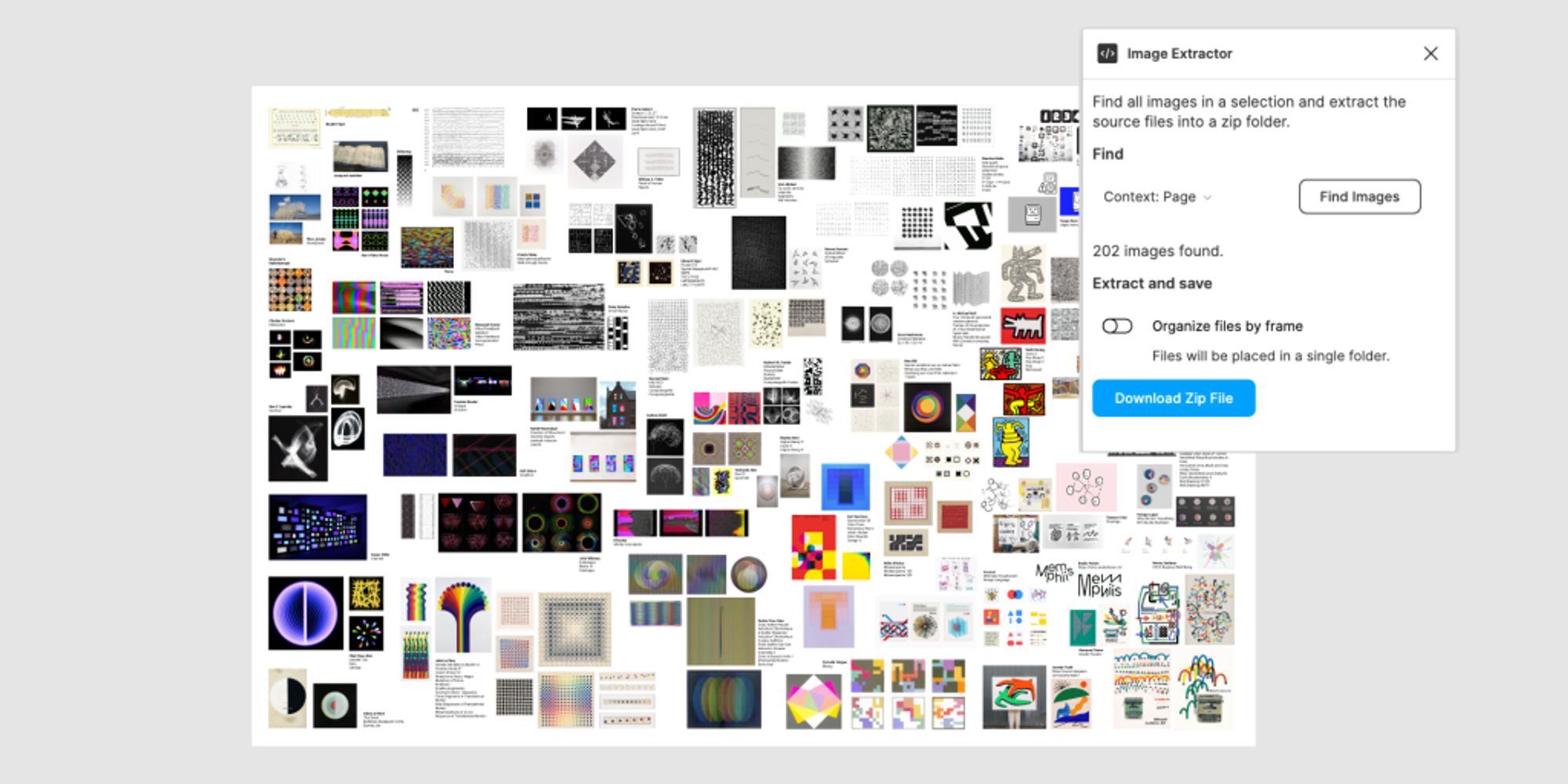
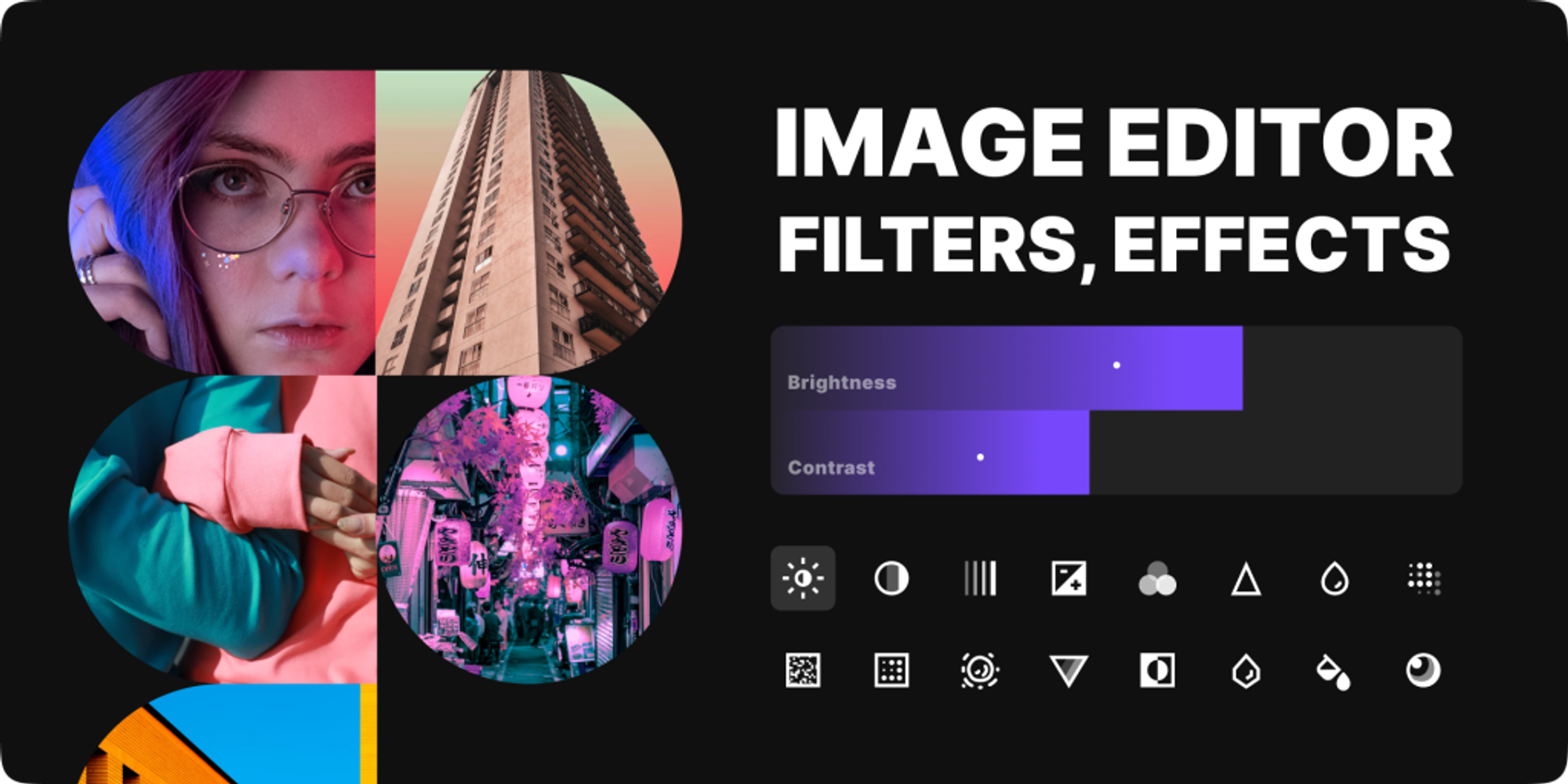
Image Editor
Image Editor helps to edit images using color settings and filters. It allows saving and loading custom presets.
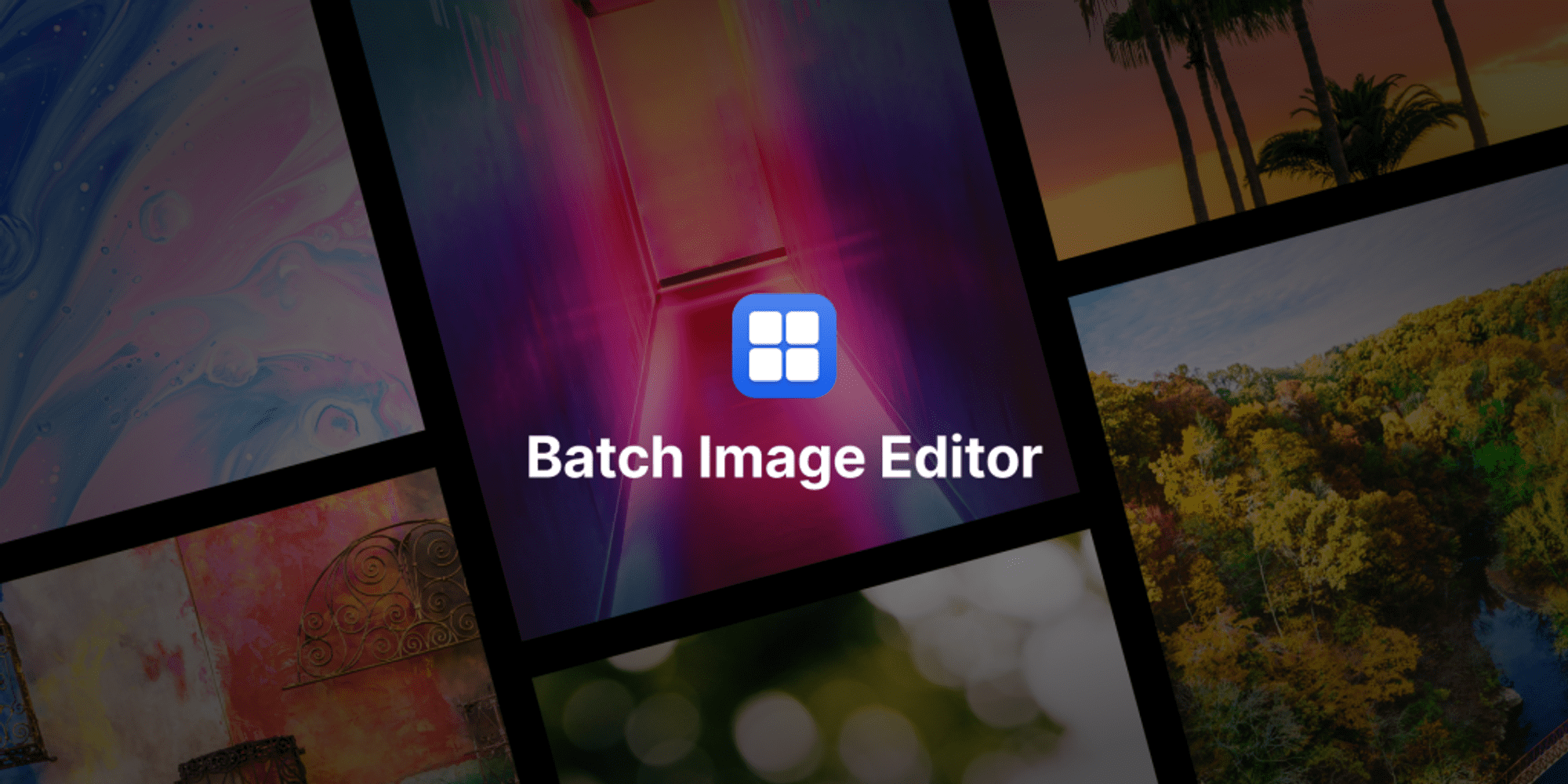
Batch Image Editor
Batch Image Editor helps adjust exposure, contrast, or saturation of multiple images at once with a single click.
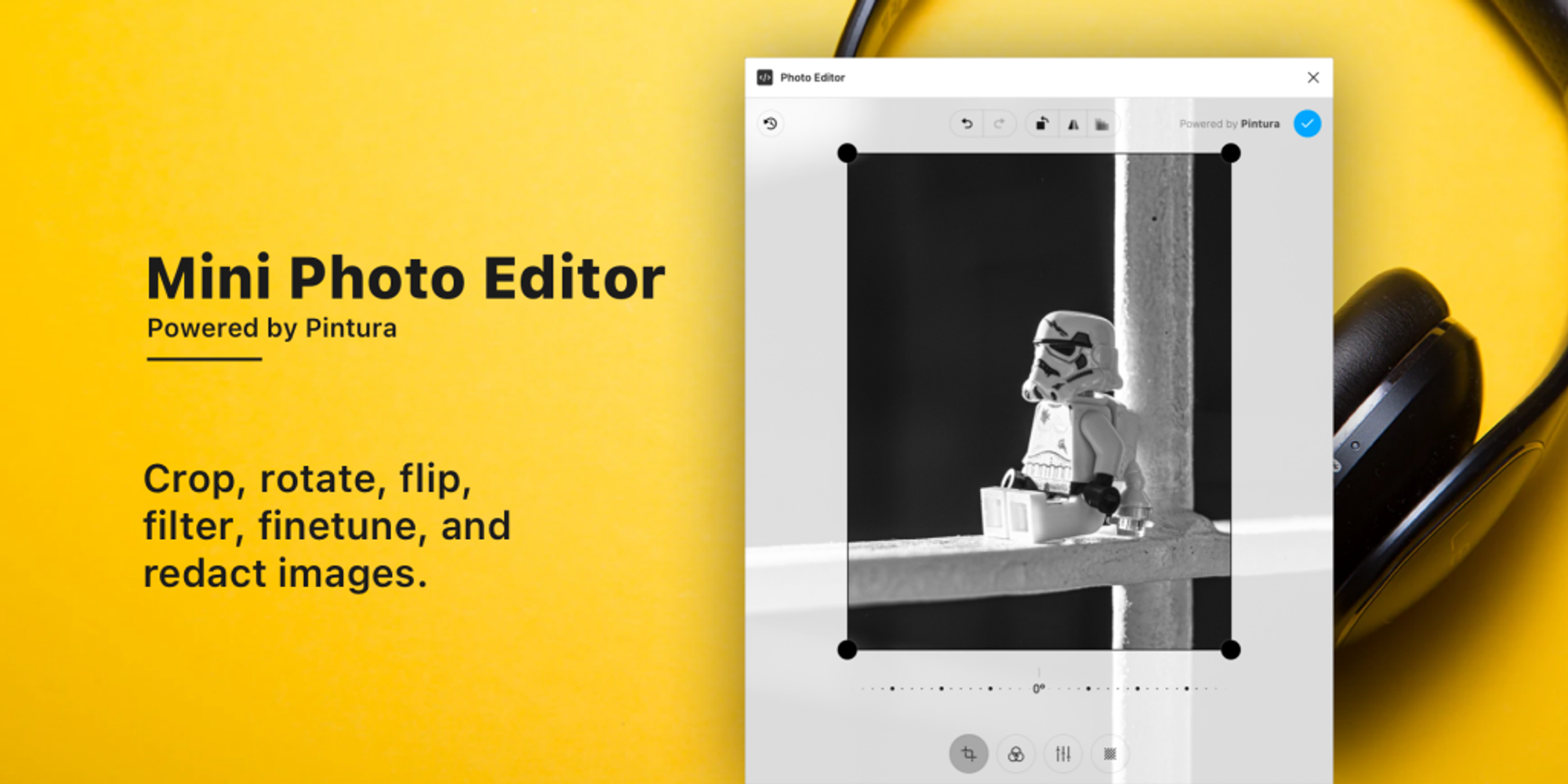
Mini Photo Editor
Mini Photo Editor simplifies quick cropping, rotation, reflection, filtering, precise adjustment, and editing.
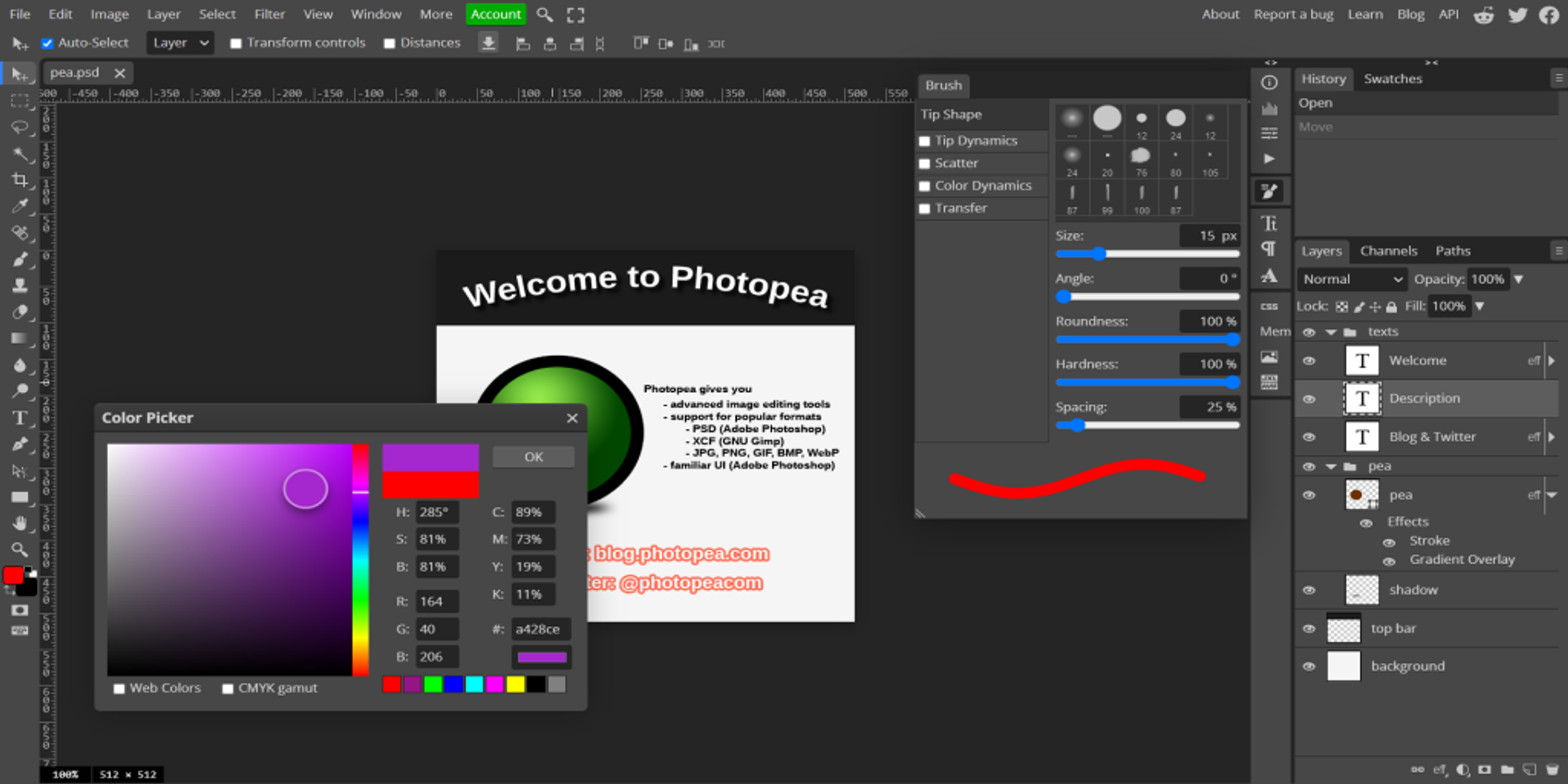
Photopea
Photoshop inside Figma enables editing photos, applying effects, filters, adding text, cropping, or resizing images. Discover the Photopea Figma plugin, a powerful tool for image editing directly within Figma. Seamlessly edit, layer, and adjust photos without leaving your design workspace.
Recognize
Recognize is a Figma plugin that quickly analyzes images, identifying objects, colors, and text to streamline design workflows. Ideal for designers needing fast insights, it enhances creativity by auto-detecting image elements, making content creation easier and more intuitive. Recognizes text from an image in 24 languages.
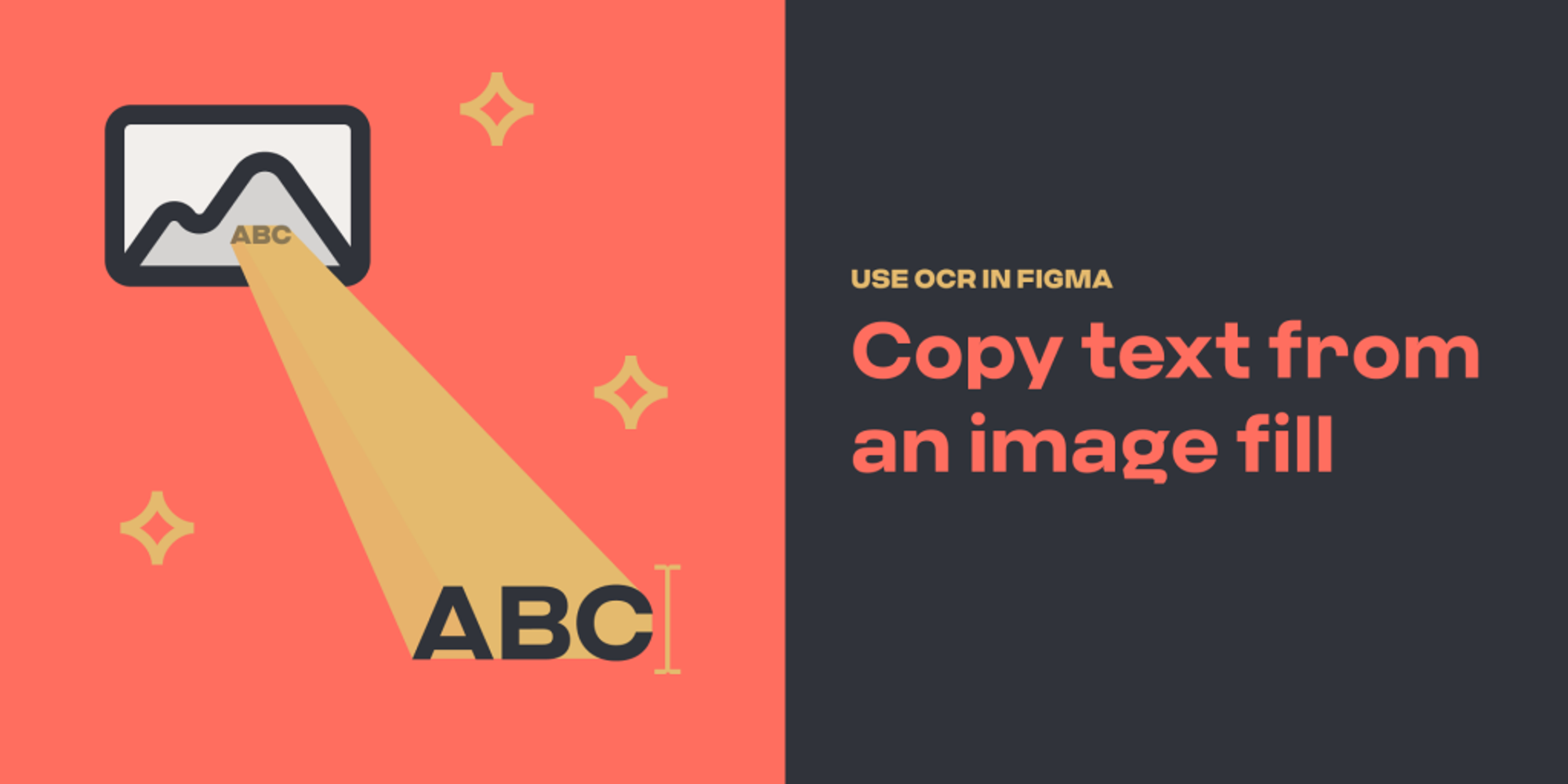
Text From Image
Text From Image is a Figma plugin that extracts text from images using OCR technology. Ideal for designers, it quickly captures and converts text, allowing easy edits and faster workflow. It is a useful tool for efficiently handling text-heavy visuals.
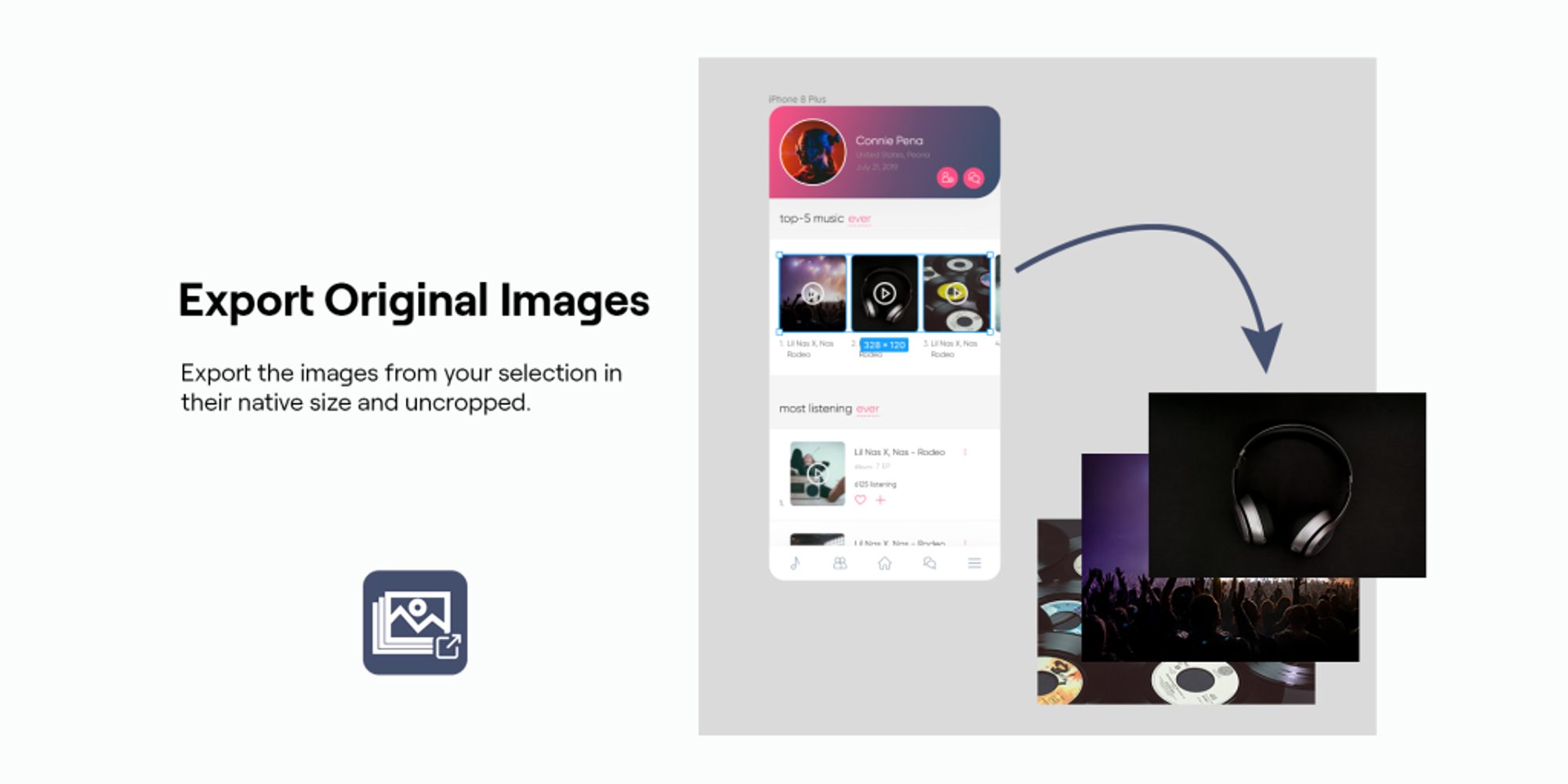
Export Original Images
Export Original Images exports images from layouts in their original resolution and without cropping.
Sources
Sources displays all images in the file and where they are used. It allows downloading them one by one or all at once.
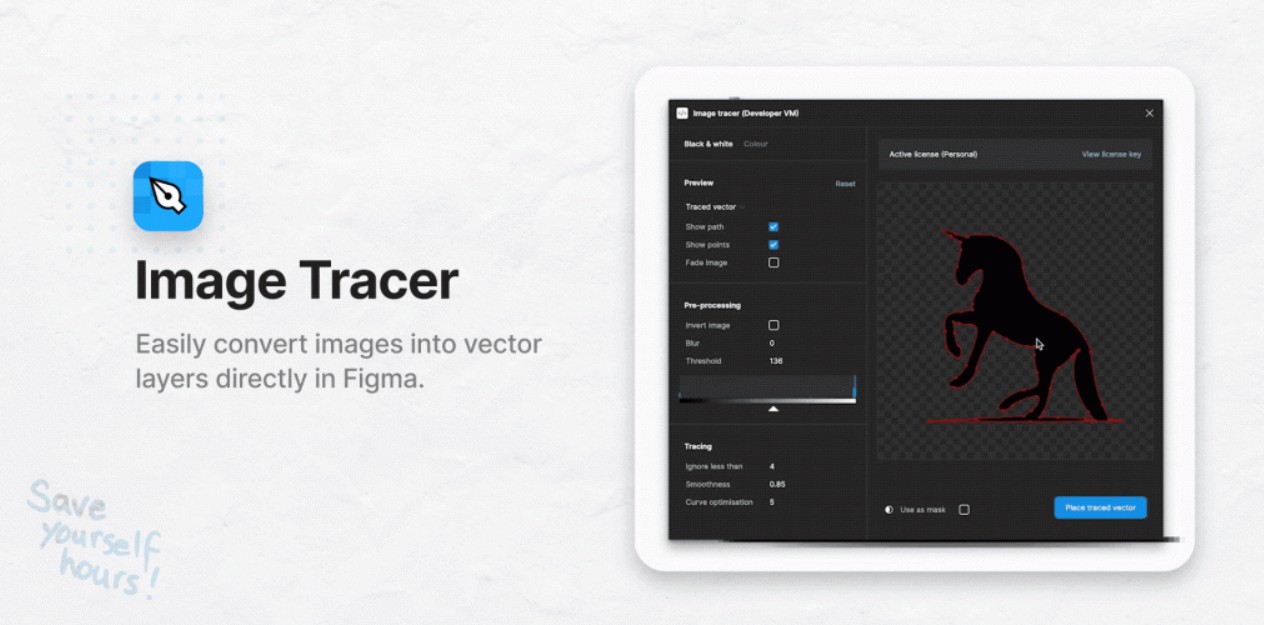
Image Tracer
Image Tracer traces black and white images.
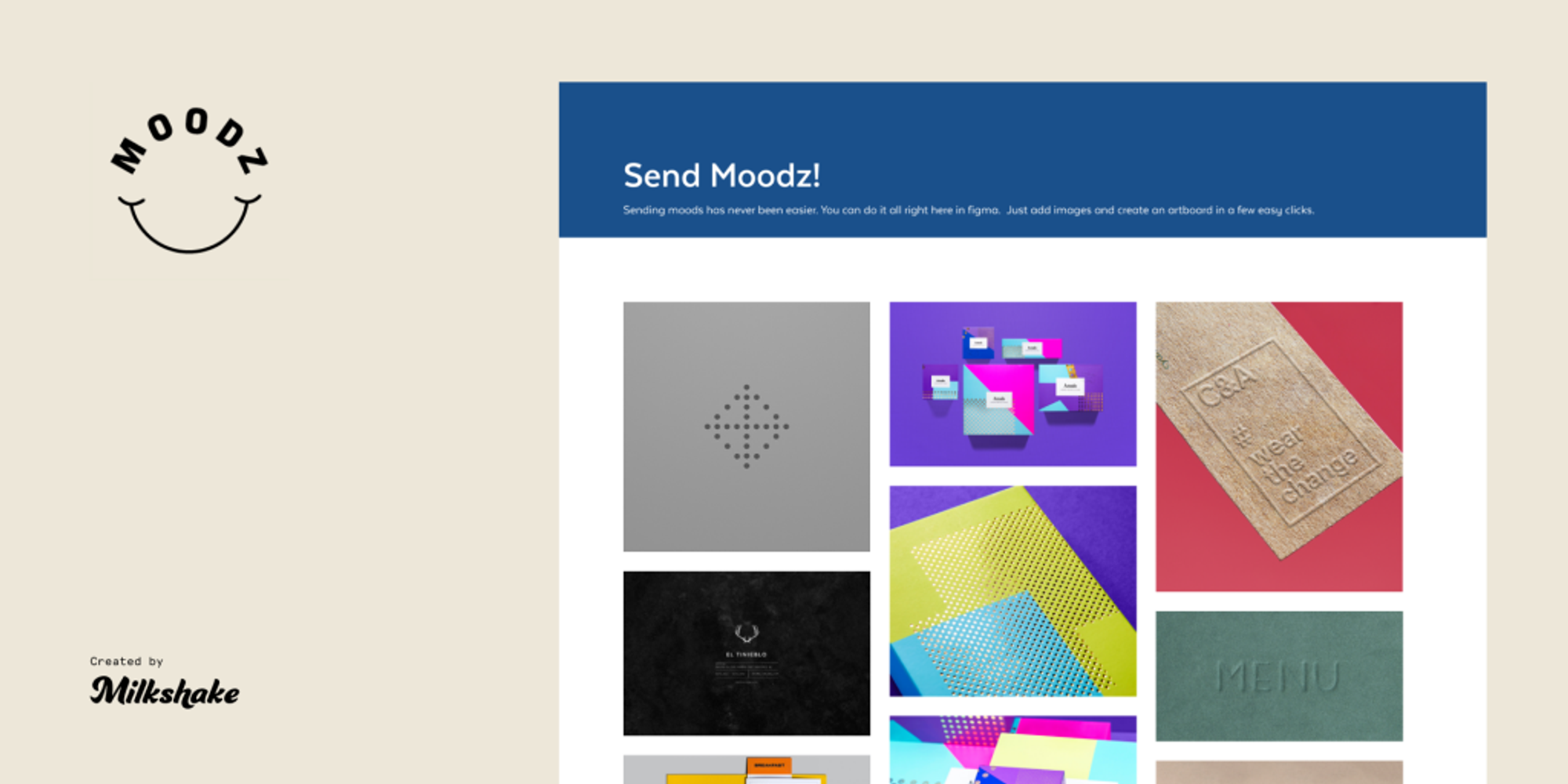
Moodz
Moodz is a Figma plugin that streamlines mood board creation, offering a rich library of high-quality images and design assets. Ideal for designers seeking inspiration, Moodz simplifies image sourcing and arrangement, making it easier to create cohesive visual references.
Conclusion
In conclusion, the utilization of Figma plugins tailored for working with images has the potential to dramatically increase productivity by streamlining and expediting image-related tasks. By incorporating these specialized tools into your workflow, you can significantly reduce the time required to complete image-related processes, thereby enhancing overall efficiency. Embracing these plugins empowers designers and teams to achieve more in less time, ultimately leading to an amplified output and an improved user experience.

Links from the original article
- Ando - AI Copilot for Designers ↗
- Insert Big Image plugin ↗
- Downsize plugin ↗
- TinyCanvas plugin ↗
- TinyImage JPG/PNG Compressor ↗
- Icons8 Background Remover ↗
- AI PixCut remove background ↗
- Autocrop ↗
- Image Cutter plugin ↗
- Image Grid plugin ↗
- Image Extractor plugin ↗
- Image Editor ↗
- Batch Image Editor ↗
- Mini Photo Editor ↗
- Photopea plugin ↗
- Recognize plugin ↗
- Text From Image plugin ↗
- Export Original Images ↗
- Sources ↗
- Image Tracer ↗
- Moodz Figma plugin ↗