Unlock endless possibilities with the best Figma gradient plugins in 2024.
Step up your design game with our curated selection of the best Figma gradient plugins for designers in 2024. Discover tools that allow you to create stunning gradient effects, seamlessly blend colours and take your visuals to new heights. These plugins are designed to boost your productivity, ignite your creativity and help your designs stand out in the digital landscape.
The Best Figma gradient plugins
for designers in 2024
Table on content
Figma plug-ins are an essential tool for any designer looking to optimise their work. They offer process automation to save time, as well as access to advanced features such as working with colour and typography, quick access to graphic materials, and much more. They enable a wide range of tasks, from making typographic adjustments and exporting layouts to creating animations and organising the workspace within a file. Using these plugins has improved our workflow, reduced iteration time and helped us deliver better results for our clients.
These plugins can help any designer personalise projects, speed up work and create unique and trendy designs. In this article, we share our top plugins that will help designers of all levels work more efficiently and achieve a new level of quality in their projects.
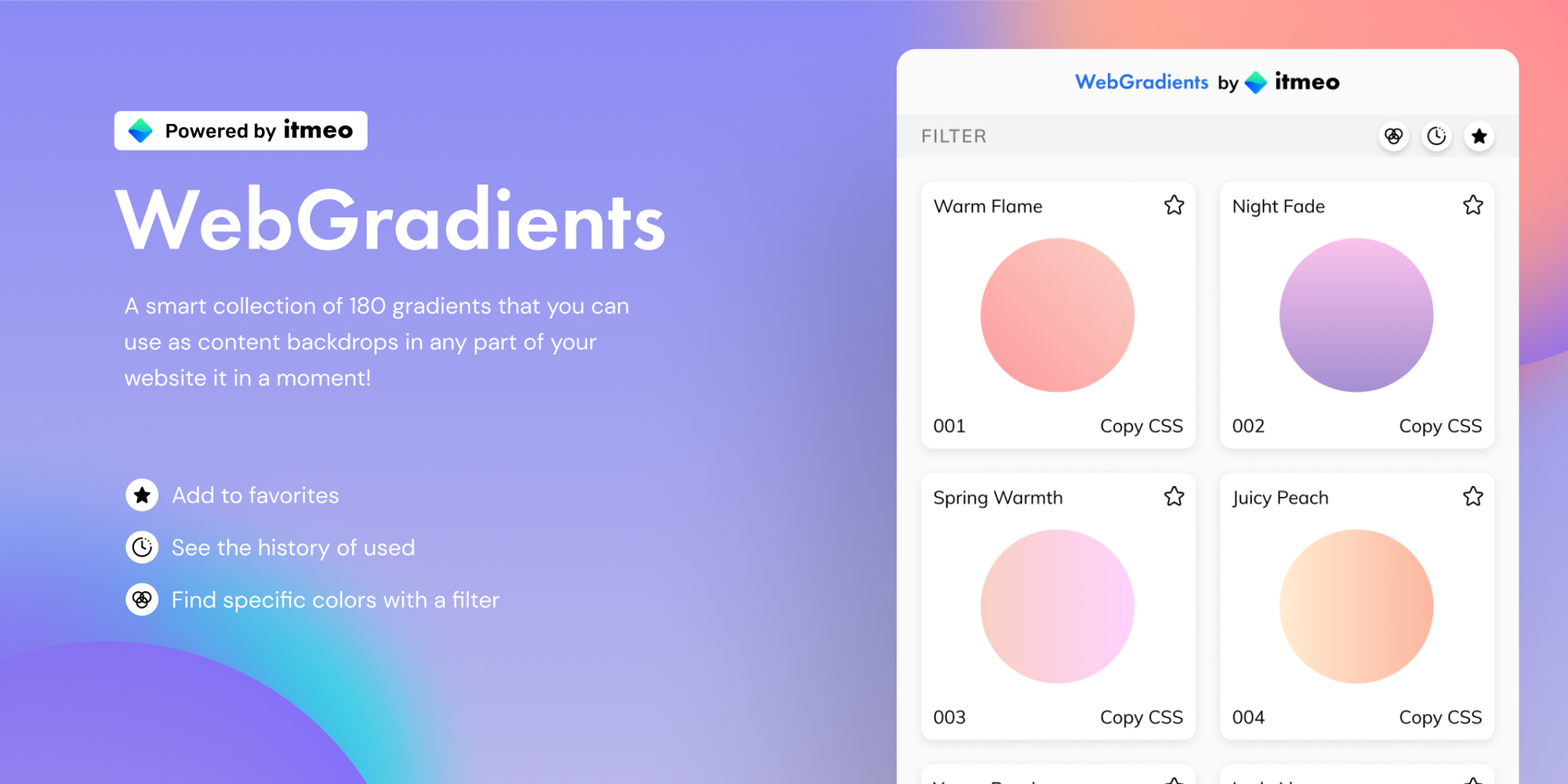
WebGradients is a free collection of 180 linear gradients that you can use as content backdrops on any part of your website. Simply copy the CSS3 cross-browser code and use it instantly!
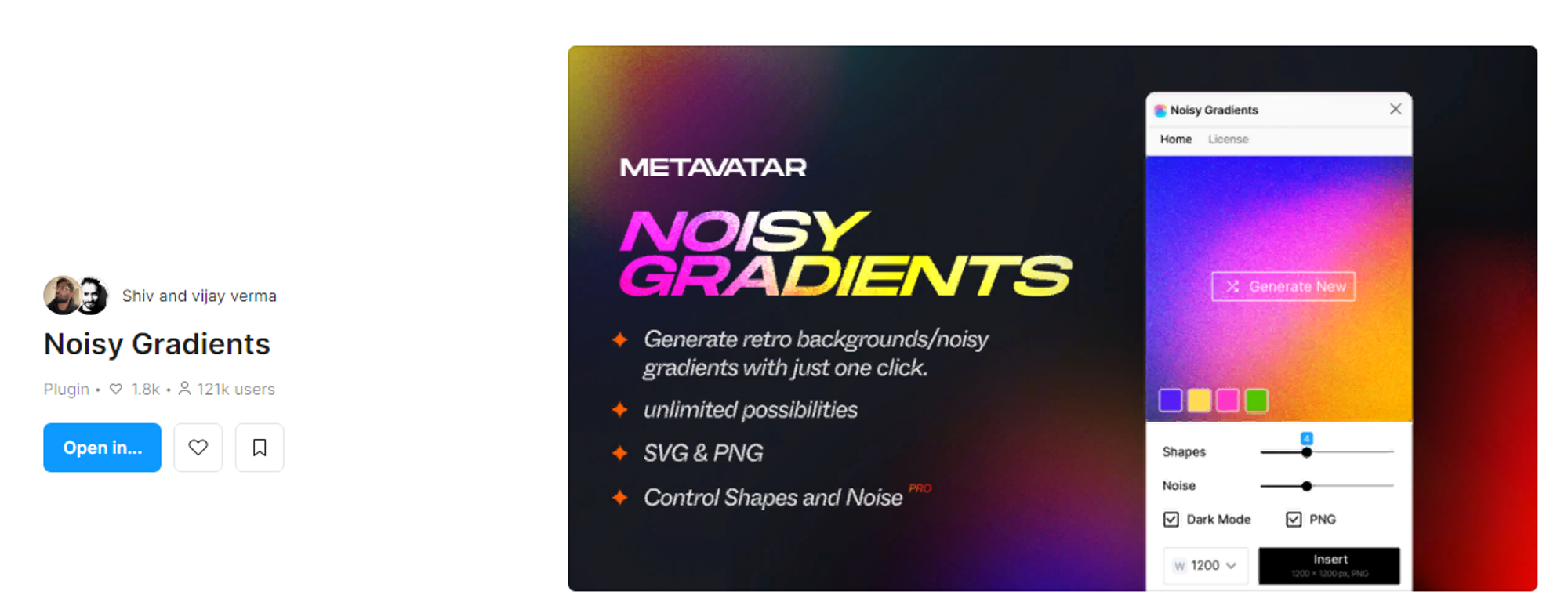
The plugin uses the Metavatar algorithm to create beautiful gradient backgrounds in various colors. Noisy Gradients can also add noise to make the gradients even more vibrant.PRO Tip: For a more expressive result, use the same image and change the overlay mode.

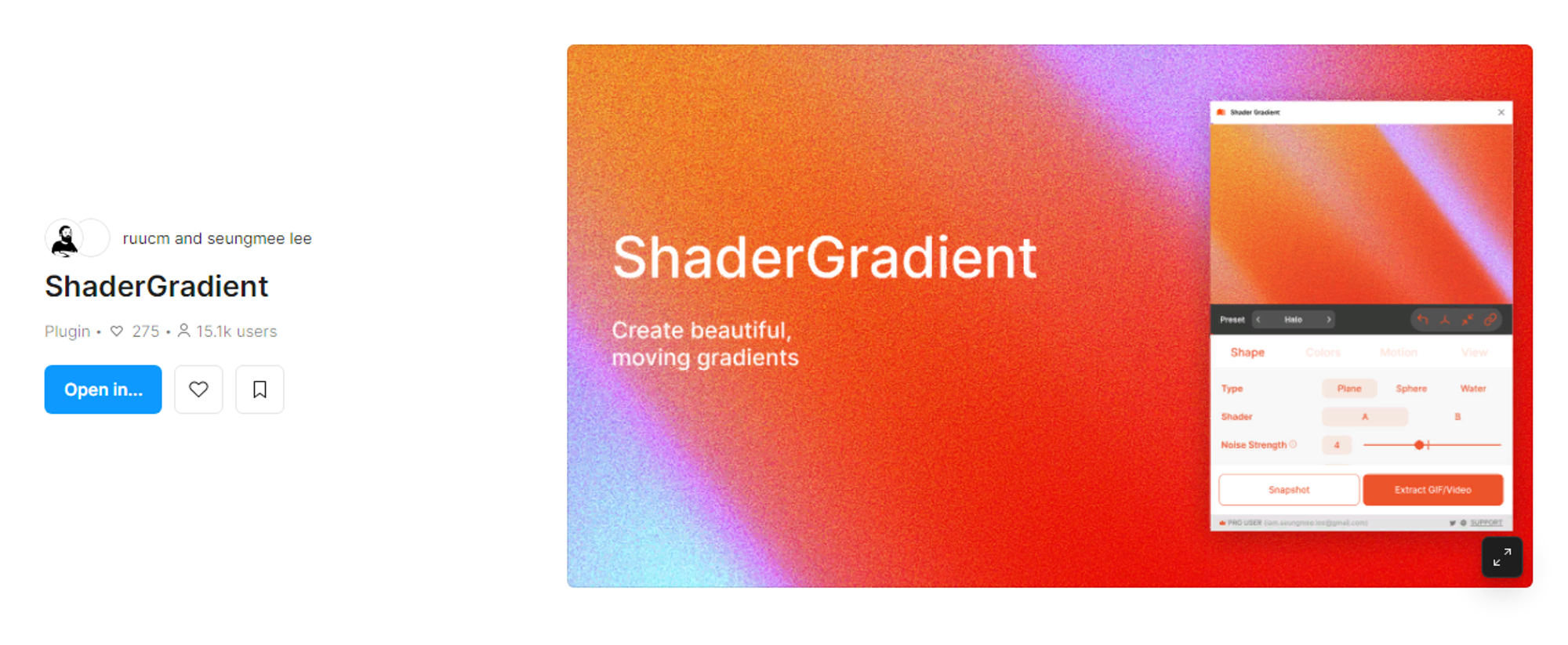
Now you can create beautiful gradients by modifying colors, shapes, and effects on 3D objects. ShaderGradient is designed to create moving gradients, with support for GIFs in the development process.
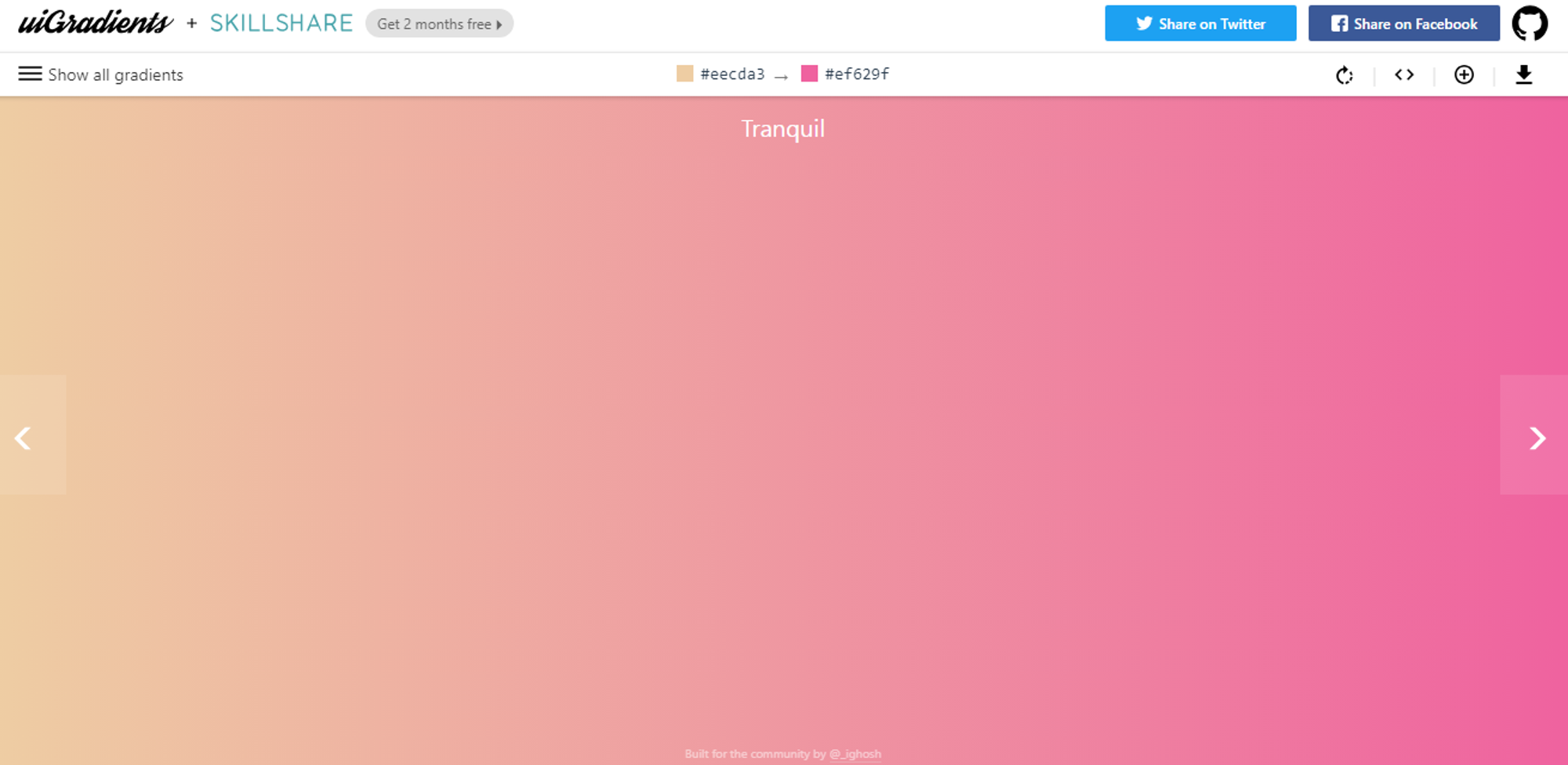
UIGradients allows you to add gradients to groups, text, and frames with a single click. Simply select the element you want to apply the gradient to and run the plugin. Choose from over 350 gradients to add them to frames, groups, and text with one click.

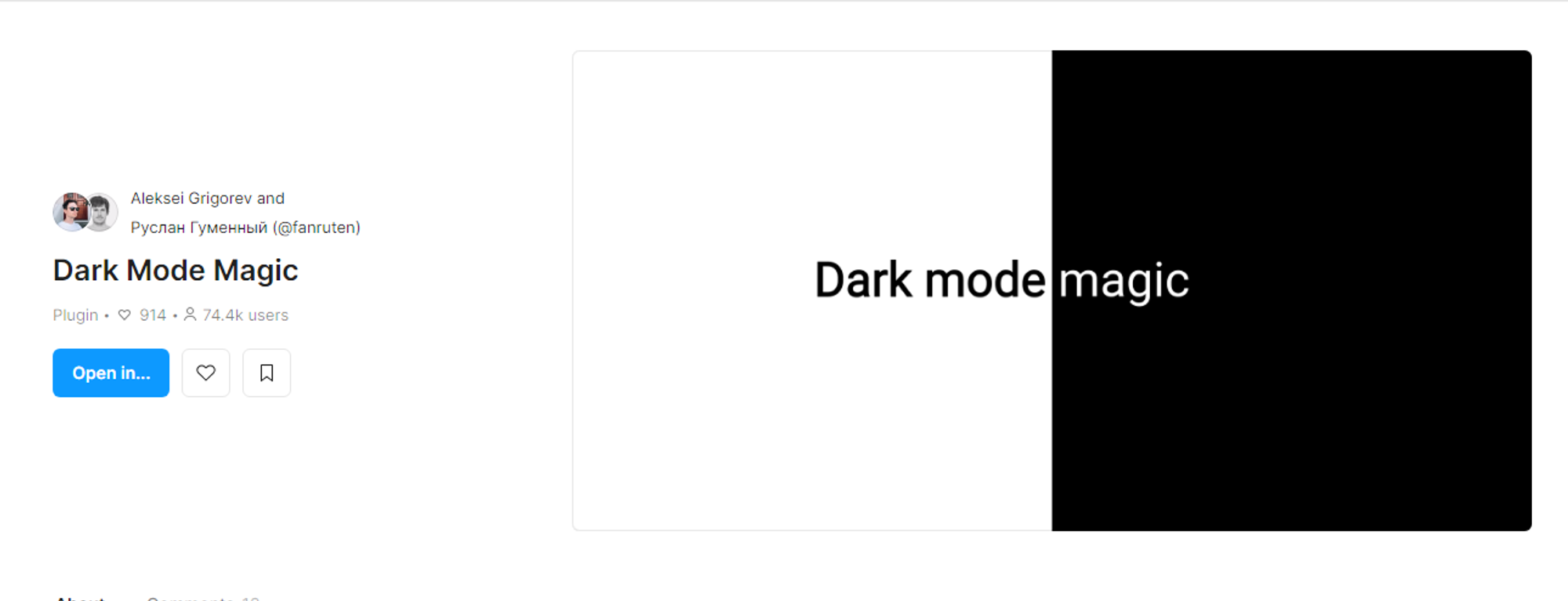
Figma has a very useful plugin - Dark Mode Magic. It can transform your light-themed design into a dark theme with a single click. It won't fix all colors, but it will be very useful for transitioning from light to dark design.
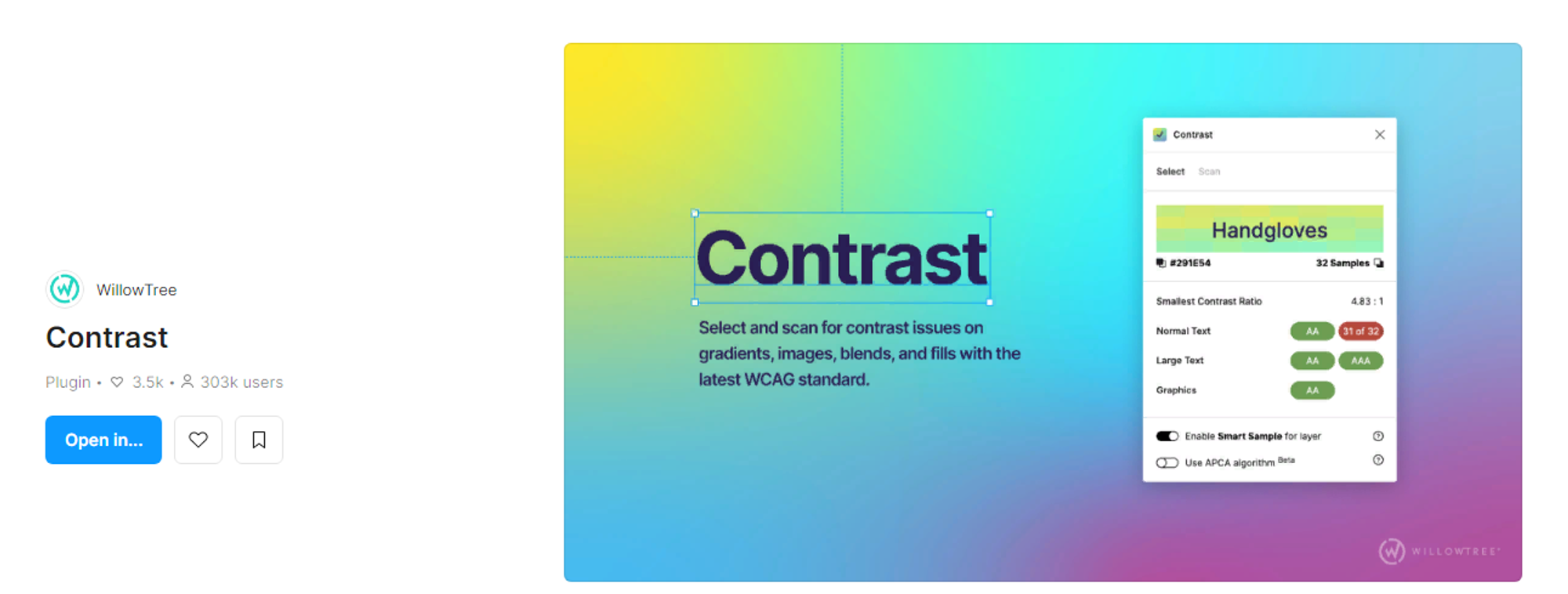
Contrast is a Figma plugin that helps check the color contrast ratio in your design and identify accessibility issues. It can scan individual elements or the entire page to identify contrast issues. Contrast supports various fill types, including images and gradients.

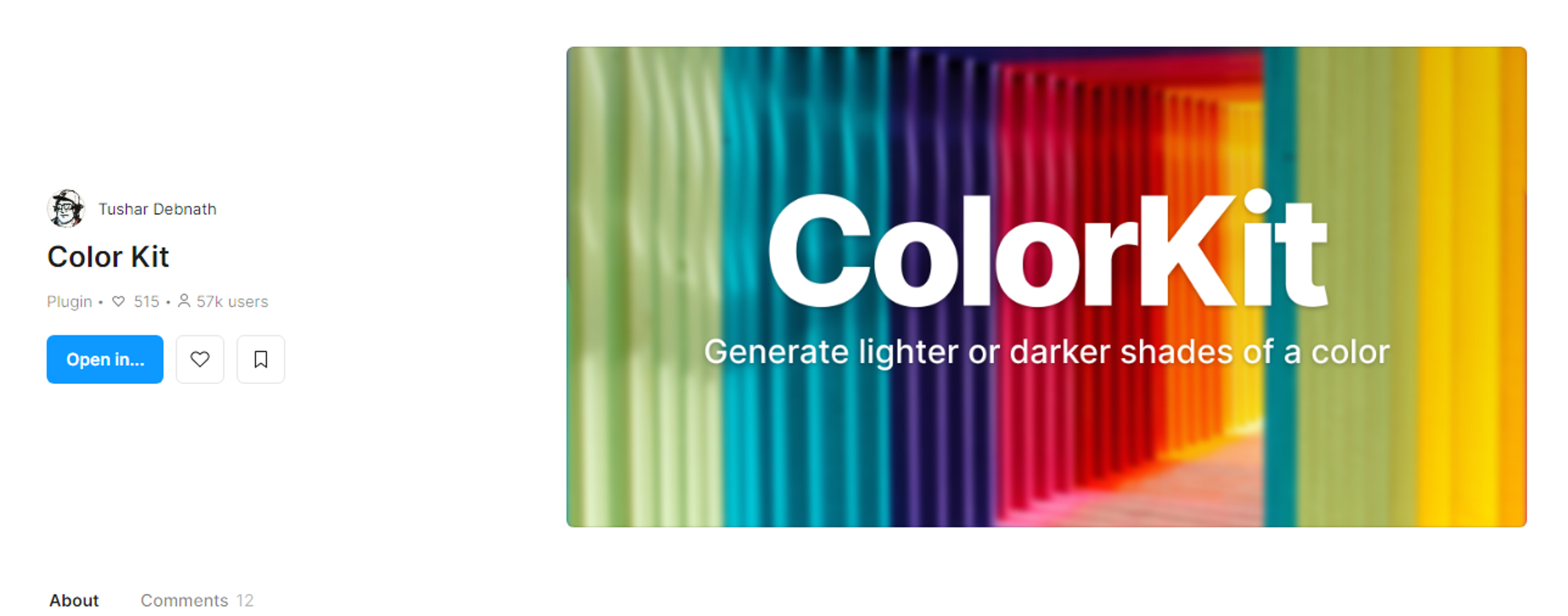
This is a useful plugin for designers and developers who need to quickly and efficiently create color gradients. With its simple and intuitive interface, you can create various shades of any color, making it an important tool for creating beautiful designs. Whether you are an experienced designer or just starting out, Color Kit is an essential plugin for anyone working with color in their designs.

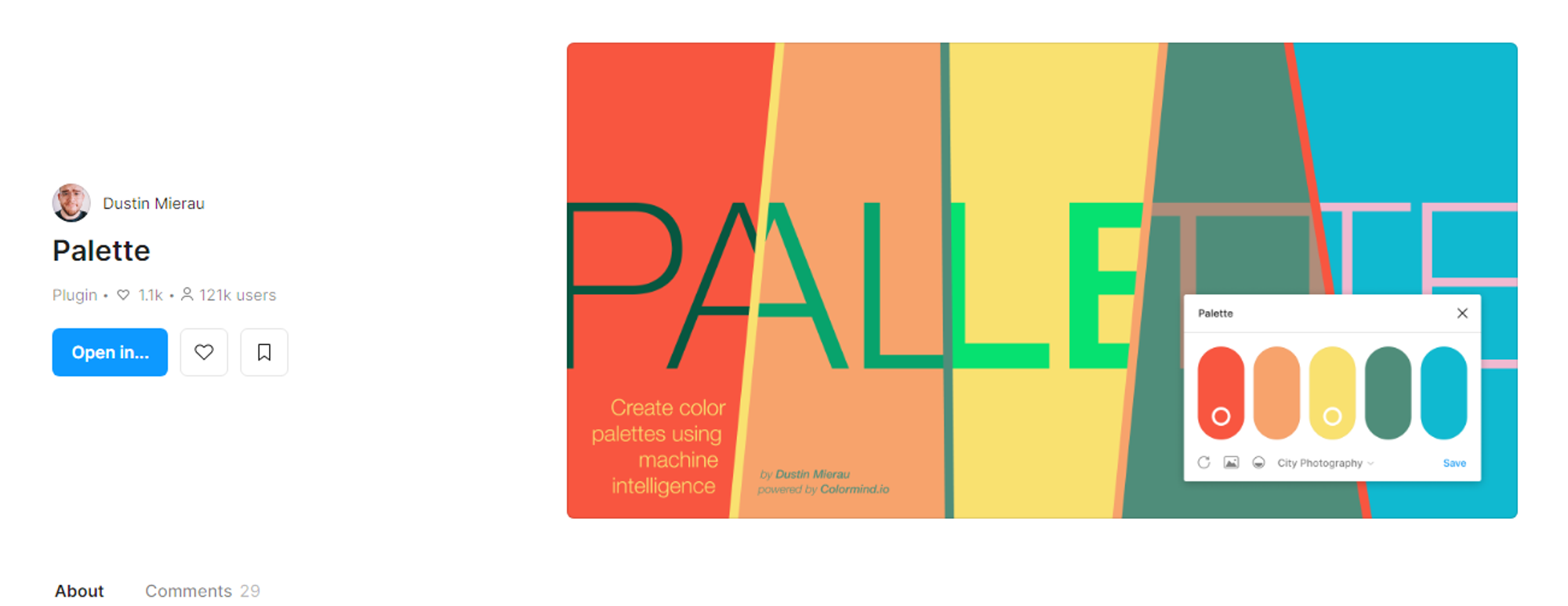
This plugin offers a variety of colors that are perfect for designing your project. Palette also has artificial intelligence functionality to automatically create color schemes and precisely adjust the look of your theme to your preferences.

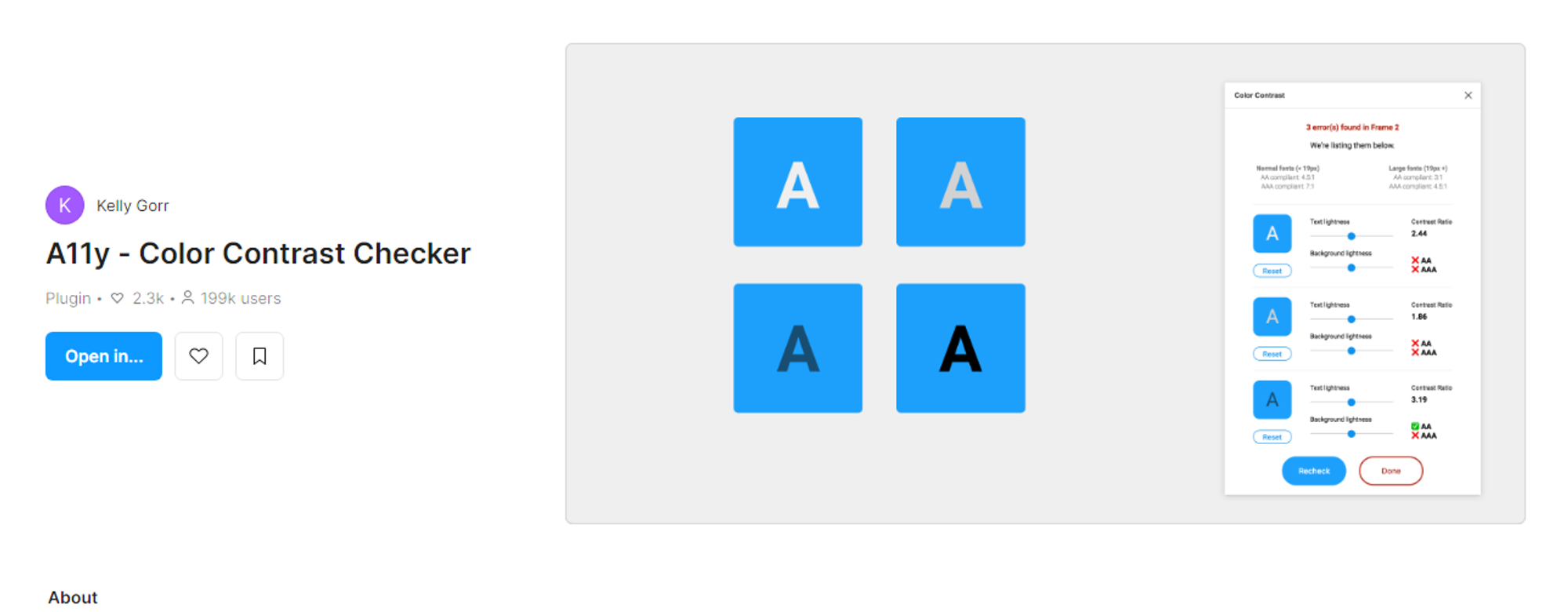
This tool helps quickly and easily view all layers in a project and identify WCAG mismatches. The Color Contrast Checker checks the color contrast ratio of all the text in a frame and shows whether it meets AA or AAA levels according to WCAG. It also provides color sliders for users to adjust colors and monitor changes in the contrast ratio in real time.

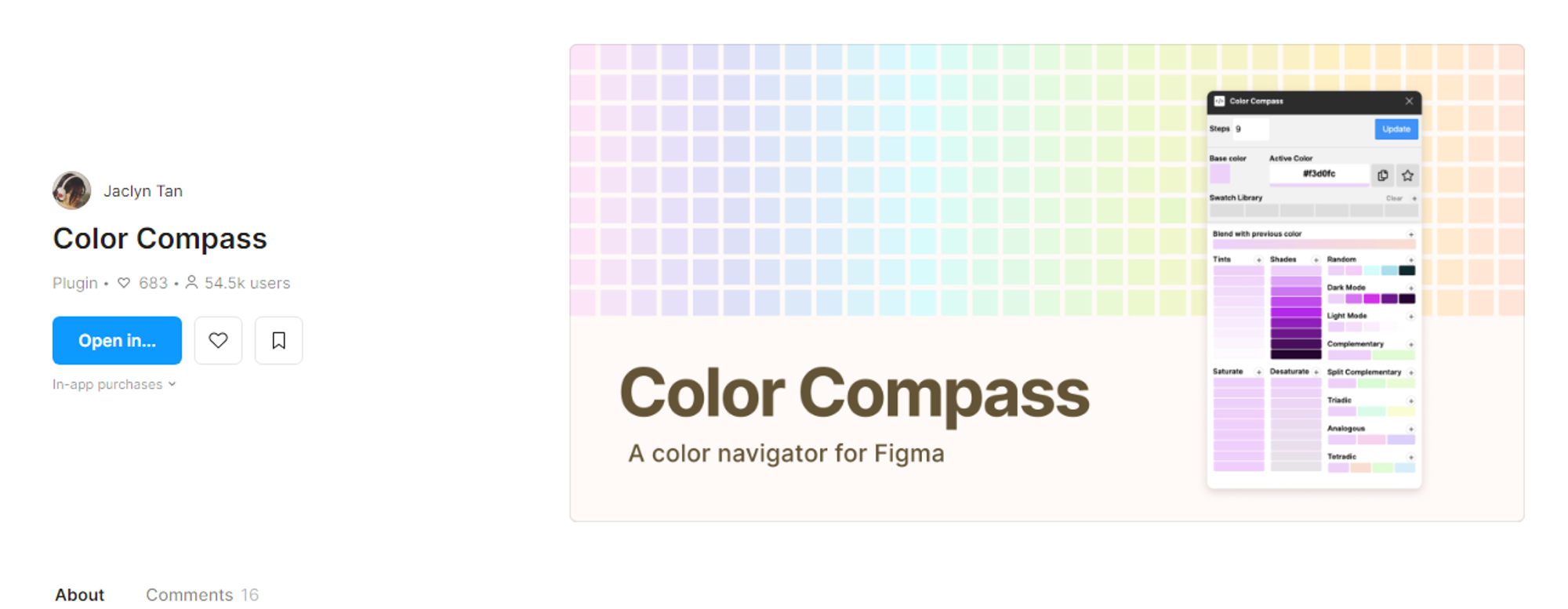
Color Compass helps designers create color palettes to achieve the desired shades by inputting a base color. It provides options to create shades, tones, and additional colors. With this plugin, designers can experiment with colors and interact with other design elements.

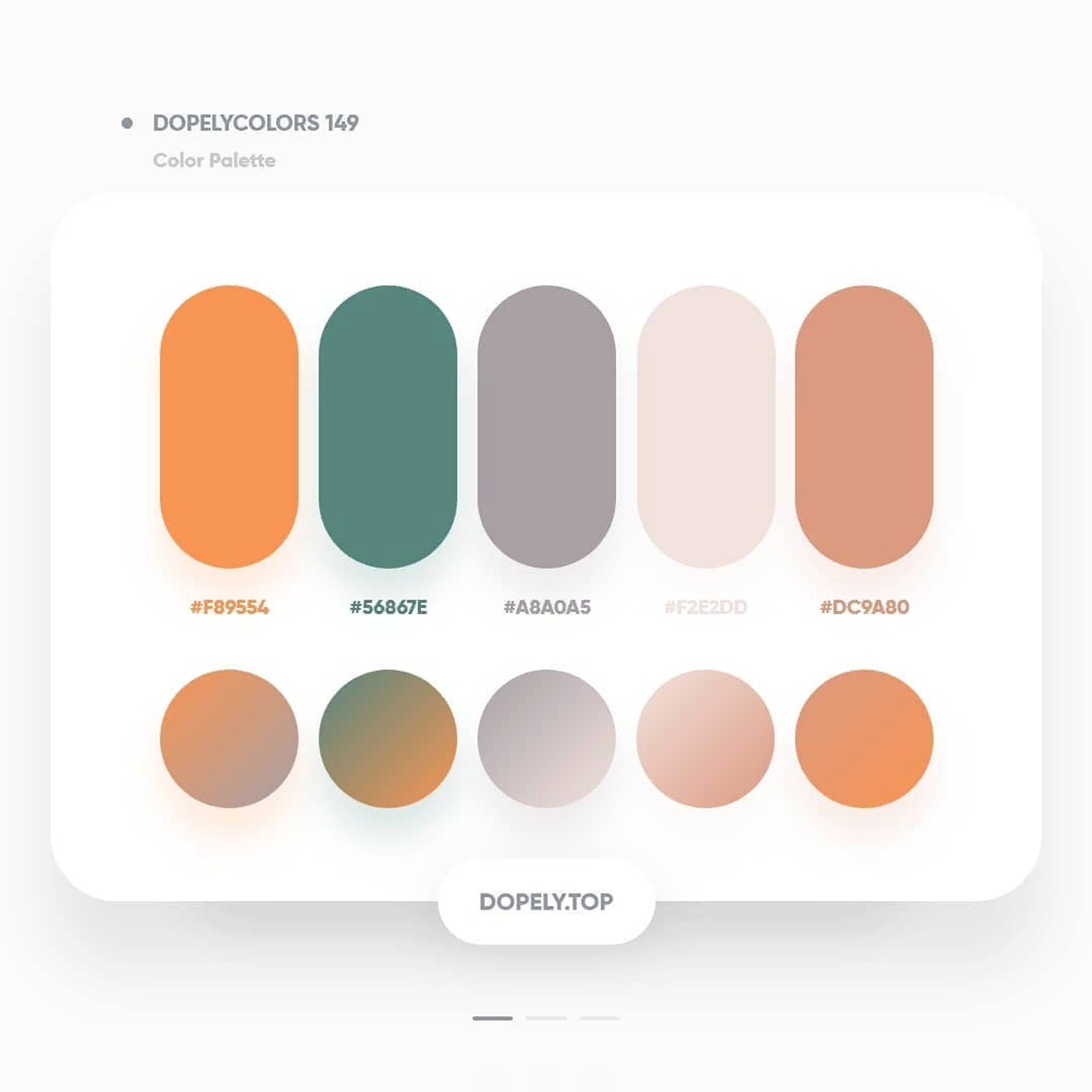
Dopely Colors is a powerful application for creative individuals that helps with color-related tasks. It offers millions of color options, including palettes, gradients, and harmonies, and allows users to create their own palettes from any image. With the app's advanced features, users can check contrast, convert color models, check accessibility, and create tints and shades for their colors.

Do not be afraid to experiment and try new tools. Use our recommendations and improve your work process in Figma! Create unique and trendy designs, and enhance the quality of your projects. Utilizing Figma plugins will help save time and achieve better results for yourself and your clients.
Also, do not forget that the Figma Community is constantly updating with new plugins, so it's worth keeping an eye on the latest developments and testing them in your work. We hope that our recommendations will help make your work in Figma even more productive and interesting.
Conclusion

Let’s check out Figma plugins directory