Figma gradient plugins 2026
Elevate your design game with our curated selection of the top Figma gradient plugins for designers in 2026. These tools automate tasks, streamline color work and help create standout visuals.
The Best Figma gradient plugins for designers in 2026
Unlock endless possibilities with the best Figma gradient plugins in 2026. Step up your design game with our curated selection of the best Figma gradient plugins for designers in 2026. Discover tools that allow you to create stunning gradient effects, seamlessly blend colours and take your visuals to new heights.
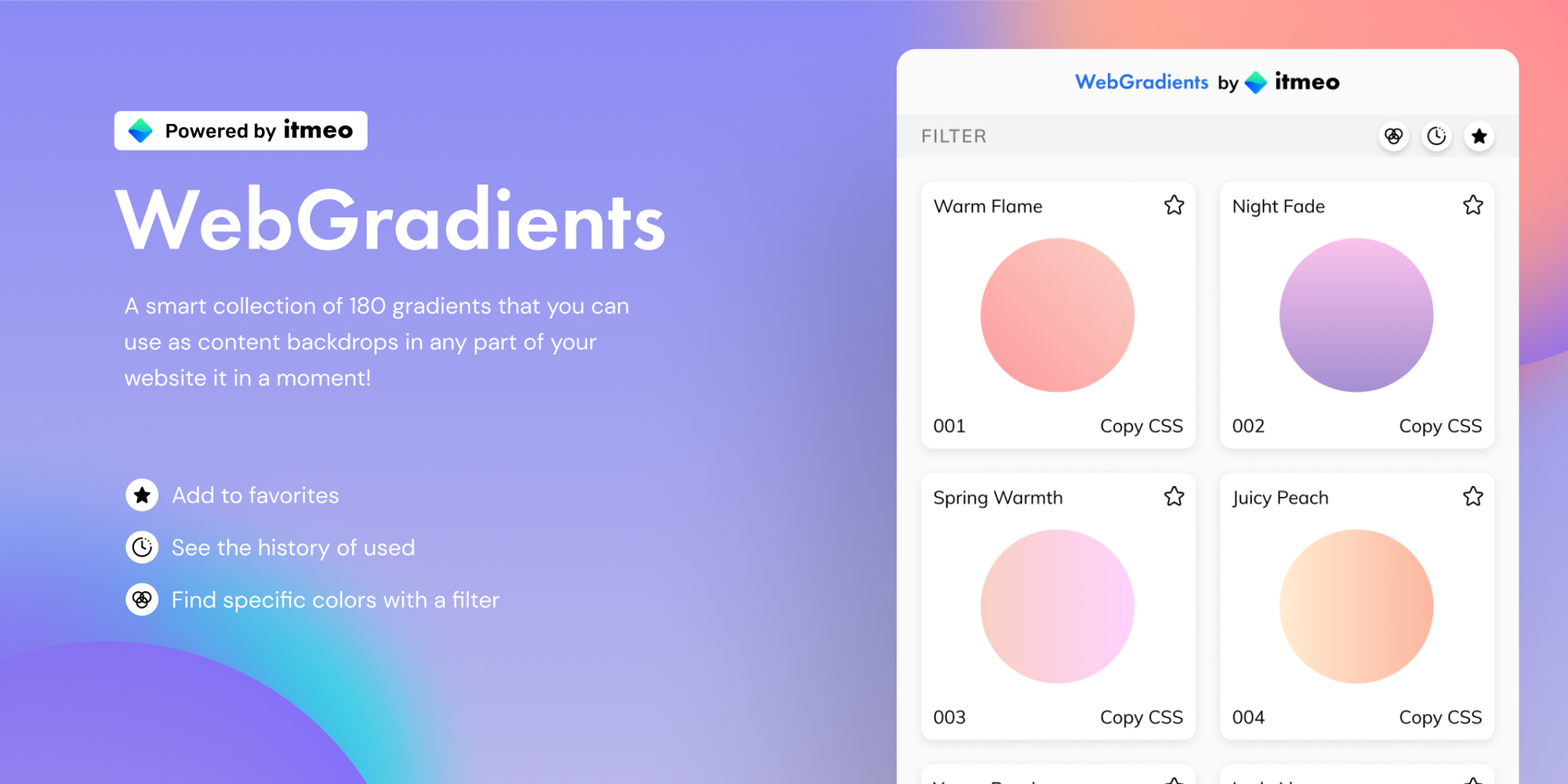
WebGradients
WebGradients is a free collection of 180 linear gradients that you can use as content backdrops on any part of your website. Simply copy the CSS3 cross-browser code and use it instantly!
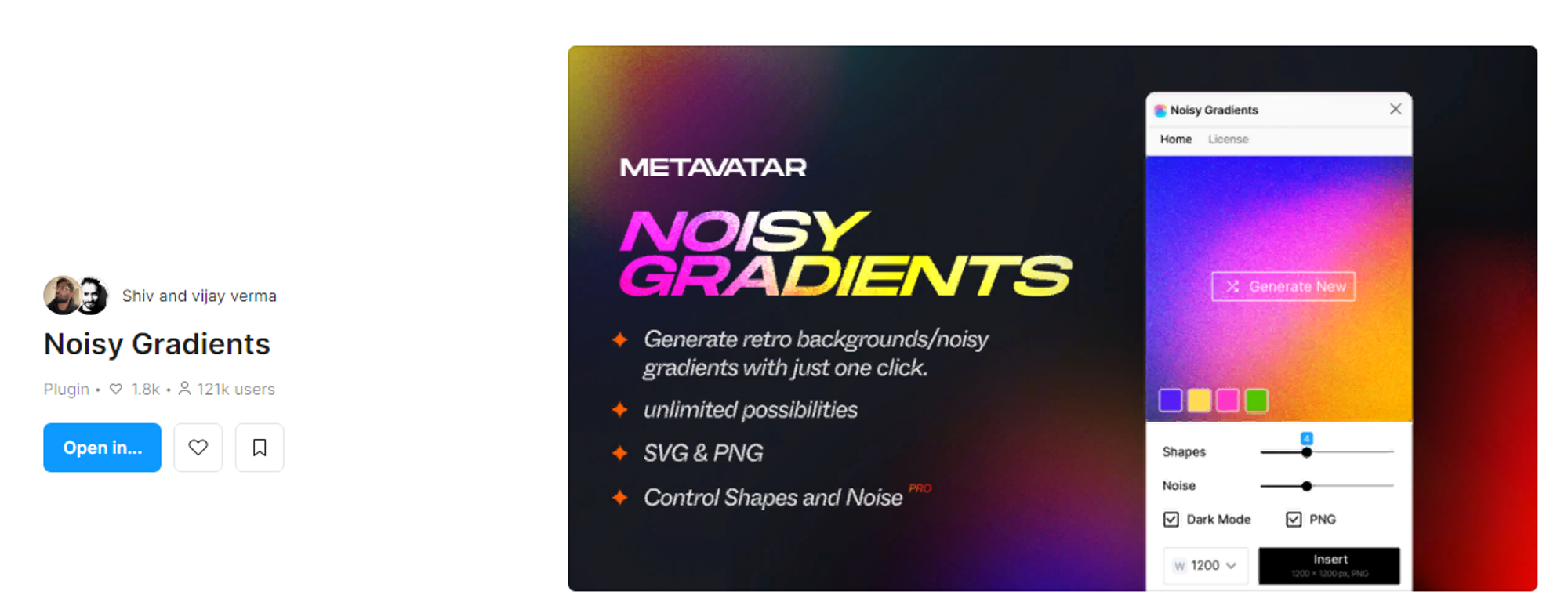
Noisy Gradients and ShaderGradient
The Noisy Gradients plugin uses the Metavatar algorithm to create beautiful gradient backgrounds in various colors. It can also add noise to make the gradients even more vibrant.
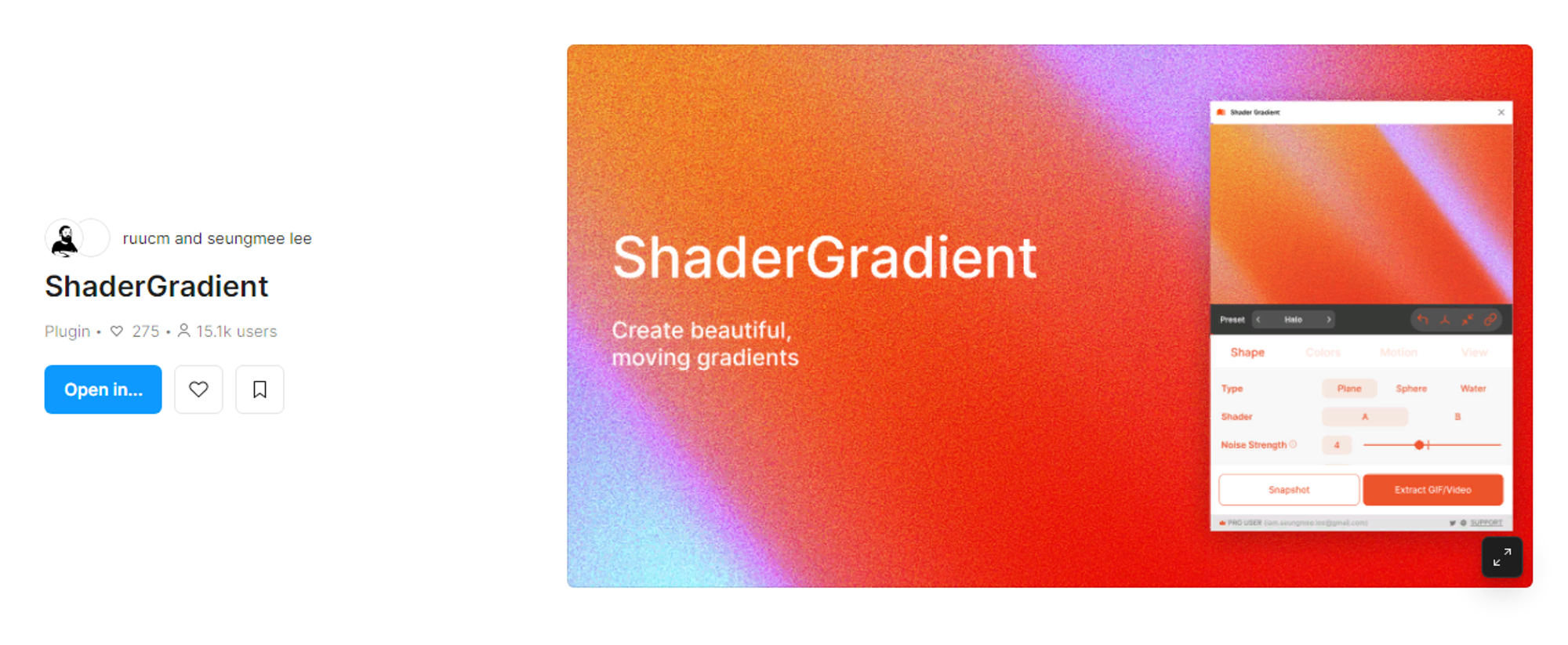
ShaderGradient lets you create beautiful gradients by modifying colors, shapes, and effects on 3D objects. It is designed to create moving gradients, with support for GIFs in the development process.
UIGradients and Dark Mode Magic
UIGradients allows you to add gradients to groups, text, and frames with a single click. Choose from over 350 gradients to add them to frames, groups, and text with one click.
Dark Mode Magic can transform a light-themed design into a dark theme with a single click. It will not fix all colors, but it is useful for transitioning from light to dark design.

Color Kit, Palette and Dopely Colors
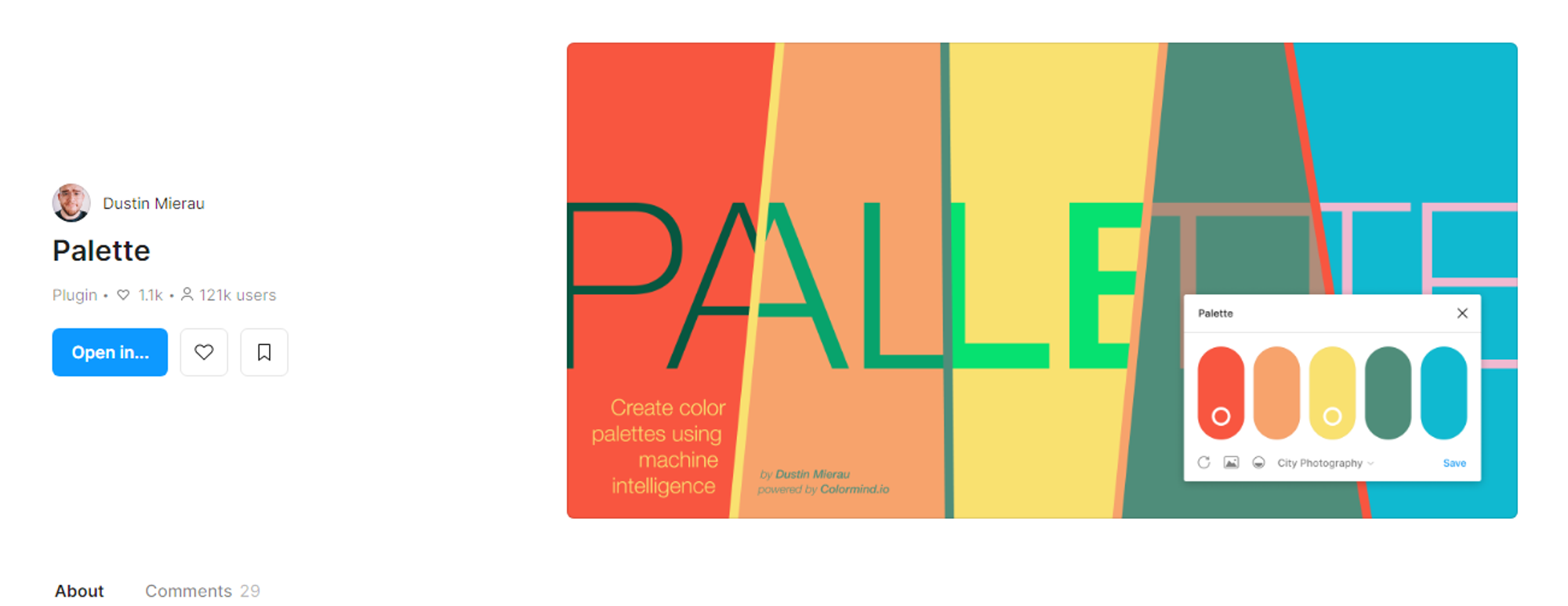
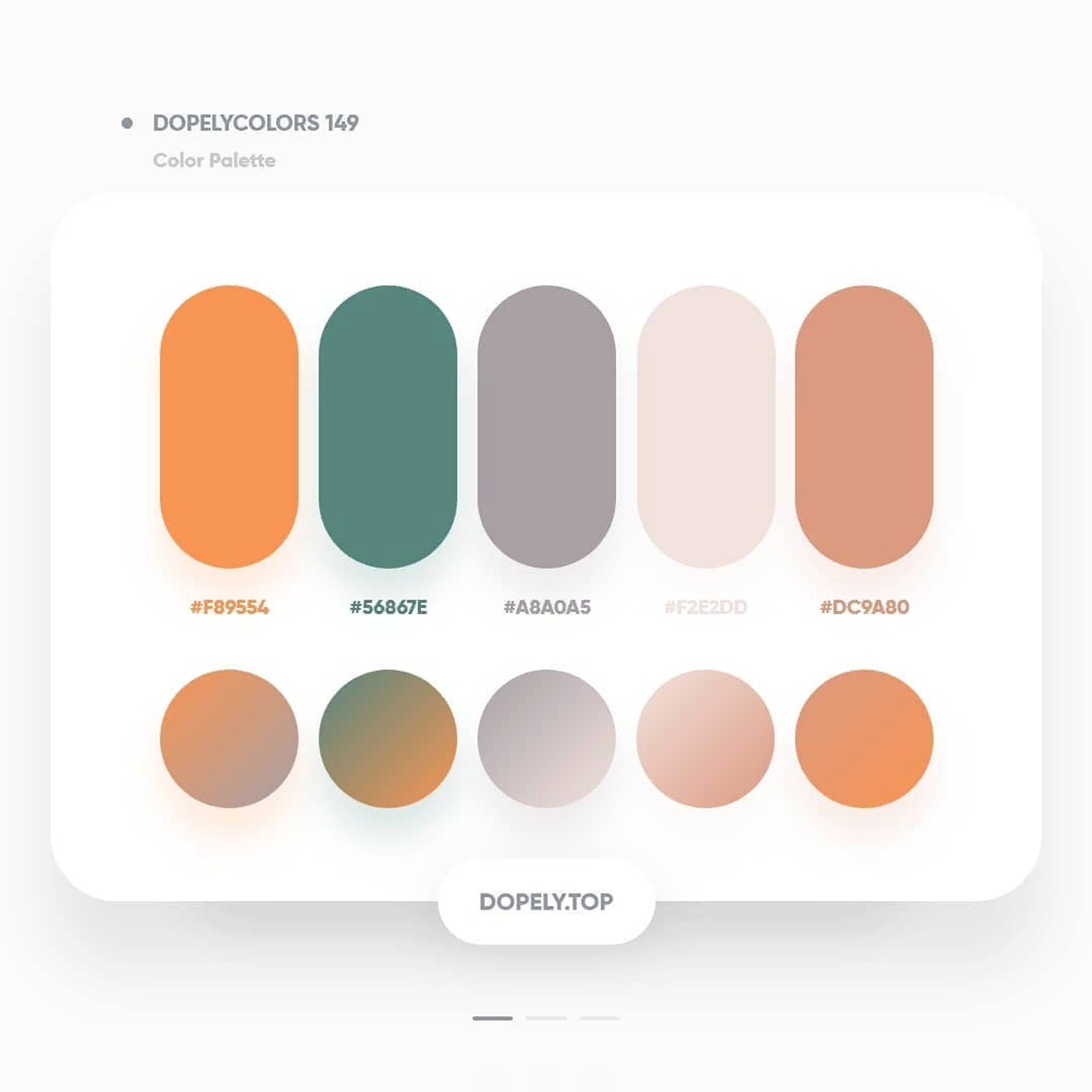
Color Kit helps designers and developers quickly create color gradients. Palette offers colors for designing a project and has artificial intelligence functionality to automatically create color schemes. Dopely Colors offers millions of color options, including palettes, gradients, and harmonies.

Conclusion
Do not be afraid to experiment and try new tools. Use our recommendations and improve your work process in Figma! The Figma Community is constantly updating with new plugins, so it is worth keeping an eye on the latest developments and testing them in your work.
More from the original article